When I open the carrying case I take to my on-site training sessions, it takes me back more than 20 years, to my days as an expatriate posted overseas, when I met customers every day and gave sales presentations. What's inside has evolved, but it isn't very different from what I carried then. Office workers often bring their PowerPoint slides on a USB drive to the venue and plug it into the podium computer. More than half the time, you hear a flustered "Oh!" Right after that comes, "It worked at home... it worked at the office... why is this happening?" What that really means is that something is wrong with the design, fonts, video, or connecting cables. Twenty-plus years ago, my business-trip bag held a laptop, a portable microphone, many kinds of connecting cables, and even a portable projector. All of that equipment supported my sales presentations flawlessly, anytime and anywhere. Once, at a client dinner, I even projected material on the topic we were discussing onto the wall with the portable projector and gave an impromptu presentation. Delivering a polished presentation anytime and anywhere takes a great deal of preparation and experience.
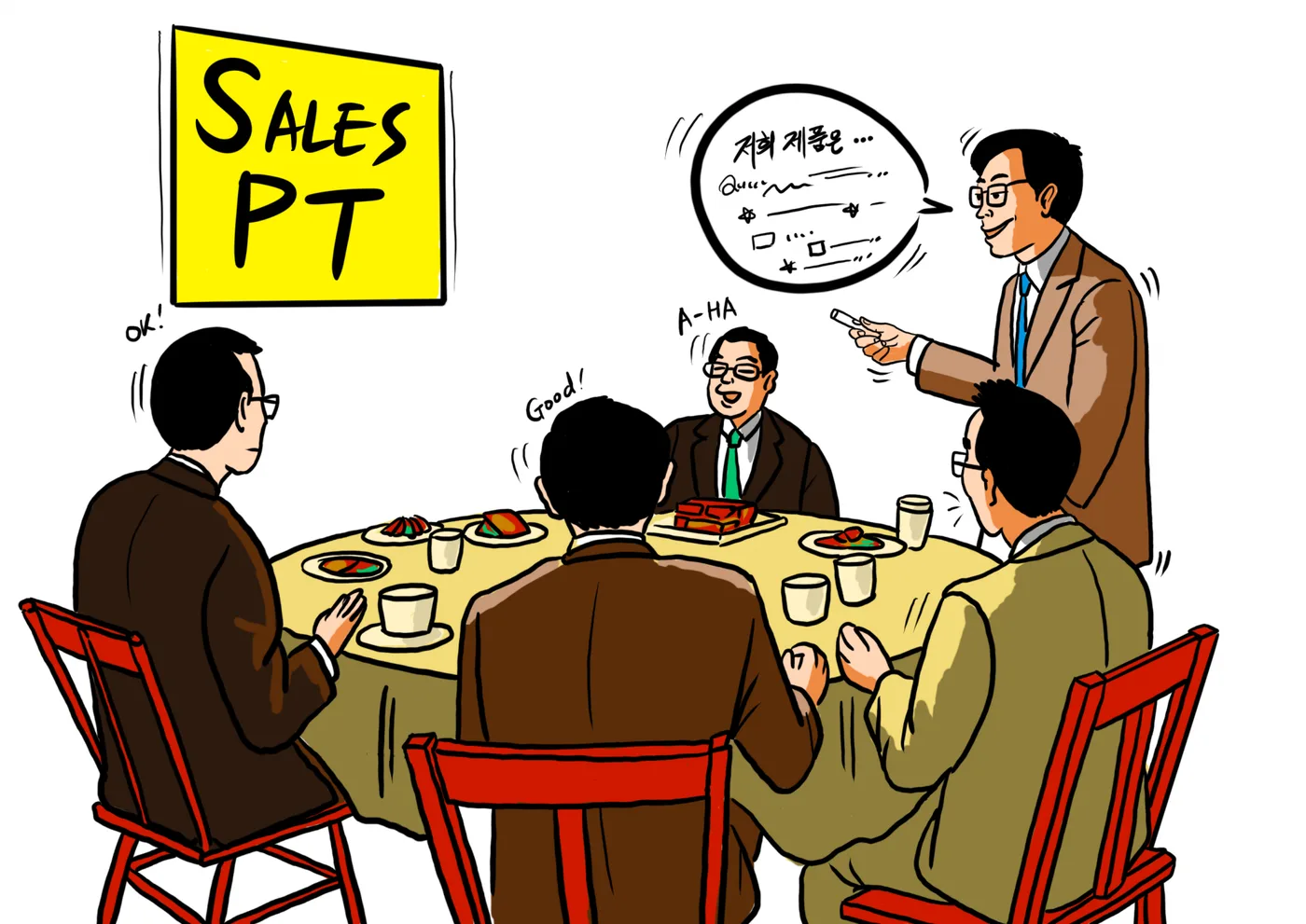
The chemistry that comes from meeting face to face matters as much as ever, even as marketing and sales go digital and AI advances. There are several reasons why in-person meetings matter in sales. Direct communication, including nonverbal cues, deepens mutual understanding and trust, which count for more than anything else in business relationships. B2B sales involve complex decision-making processes and many stakeholders. In that environment, a face-to-face presentation lets you answer questions immediately and helps reduce uncertainty in the decision. You can exchange feedback in real time, address stakeholders' concerns, and convey the value of your proposal more easily and clearly. Customized solutions for each company's unique needs are also presented more effectively when discussed in person. When offering a complex solution, it is common to hold several in-person meetings so the proposal fits the client's needs precisely. Along the way, real-time feedback lets you adjust the proposal and understand the client's requirements more deeply. Here are the key factors to consider in face-to-face presentations in B2B sales: the 6W2H.
① Why?
Why is about 'purpose.' Presentations serve many purposes, and each one shapes both the content and the way you deliver it. 'Sharing information' is one of the most basic: you tell the audience about new data, research findings, or an updated business strategy. Sharing the company's annual results at an annual meeting is a good example. 'Education and training' is another key purpose, designed to teach the audience a specific skill or body of knowledge. When a new product launches, a presentation that trains the sales team on its features and sales strategy is a typical case. 'Persuasion' is also a core purpose, designed to move the audience toward a specific action. A presentation to investors highlights the company's vision and growth potential in order to attract investment. 'Decision support' matters especially in business settings. It gives the audience the information and analysis they need to make an important business decision. Proposing next quarter's marketing strategy to your own executives, backed by data and forecasts, is one example. Finally, 'inspiration' is an important purpose, too. It aims to motivate the audience and deliver a message that encourages positive change. A presentation that energizes the audience with an inspiring story at a leadership conference shows this well. Each purpose plays a key role in how you design the presentation, structure its content, and decide how to engage the audience.
② Whom?
When preparing a sales presentation for a client’s buying center, consider the audience’s job function, role, age, gender, and education level, and adjust the content, the order of key points, the difficulty level, the design, and the length accordingly. These factors play an important role in making the presentation effective and raising the audience’s interest and understanding. For example, when presenting a technical product or service to IT managers, you can focus on technical details and product functionality. Since this audience already understands the technology well, you can use advanced technical terms and concepts and include detailed technical data and case studies. A simple design focused on conveying information may work best. When presenting to finance managers, on the other hand, it makes sense to focus on financial benefits such as ROI (return on investment), total cost of ownership (TCO), and cost savings. In that case, emphasize financial figures, forecasts, and cost-benefit analysis over complex technical content, and use graphs and charts that are easy to read and visually clear.
If the client's buying center has many younger members, you can draw their interest with innovative, dynamic design and interactive elements. For experienced senior executives, a more traditional, intuitive design and clear, concise content may be preferred. With a highly educated audience you can handle complex concepts and theories, but with an audience of varied education levels, it works well to introduce information gradually from basic concepts, adjust the difficulty so everyone can follow, and use relatable examples. For example, when a company offering mobile app development services presents to a buying center with diverse backgrounds, it can explain the technical side of the development process in detail to IT managers, give executives a strategic overview of how the app supports business goals, and highlight human factors, such as improved employee satisfaction from using the app, to HR managers. By tailoring the presentation to each stakeholder's interests and needs, you help every audience member clearly understand the value of the product or service and contribute positively to the purchase decision. In a sales presentation, telling 'users' such as on-site production teams or IT developers that technology like automation equipment or artificial intelligence (AI) replaces labor and cuts labor costs (that is, risks users losing their jobs) is not helpful at all. This approach heightens the audience's anxiety and gives them a negative view of the product or service, making it more likely they turn into blockers (gatekeepers). Instead, it is important to build your strategy around the positive aspects and convenience of the technology.
③ Who?
A sales presentation may be delivered by the vendor's sales representative, a technical specialist, or, depending on the situation, a researcher or an executive. It depends on the purpose of the presentation and what the audience needs. For example, when selling a product or service that demands deep technical knowledge, it can be more effective to have a technical or research specialist present. They can explain the product's technical details and how it works in depth, and answer technical questions with authority. Consider a cutting-edge biotech company proposing a new medical device to a hospital. The company's researcher can explain in detail how the device works, the clinical trial results, and the technical innovations. That researcher's deep technical understanding can be decisive in earning the trust of the hospital's medical professionals. However, if the presenter uses too much difficult jargon or theory and the audience can't follow, it becomes hard to hold their attention, and the presentation may fail to deliver a persuasive message about the product or service.
It is also common for an experienced senior employee, rather than the junior employee who built the deck, to be the presenter. This is especially true for important clients. Drawing on their experience and expertise, senior employees can deliver a more persuasive presentation and give answers that build trust when the client asks questions. For example, when an IT solutions company proposes cloud services to a large enterprise, a senior sales representative can explain how cloud services can transform the company's IT infrastructure, along with the benefits in cost efficiency and security. Cases like these show that, in a sales presentation, the choice of presenter can strongly affect its success. The presenter's expertise and experience can play a decisive role in conveying the value of a product or service effectively and earning the client's trust.
④ What?
When choosing which value to propose in a sales presentation, it matters who sits in the client's buying center. Each stakeholder has different interests and needs, so identifying them accurately and tailoring your message is key to a successful presentation. For example, when presenting to the client's purchasing manager, focus on cost savings and competitive pricing. Purchasing managers care mainly about budget control and cost efficiency, so concrete examples and data showing how your product or service can cut the company's costs work best. When presenting to IT managers or technical experts, on the other hand, focus on the product's advanced technology. They are more interested in technical details and innovation, so explain your technical advantages, your unique features, and how the technology can improve operational efficiency. For manufacturing or operations managers, quality control, custom manufacturing services, and reliable delivery dates may matter most. They care about product quality, the production process, and on-time delivery, so show how the vendor consistently delivers high-quality products, meets customization needs, and hits its delivery dates. For customer service managers or support teams, customer support available 24 hours a day, 365 days a year, and digitized order and delivery processes are important. They want to resolve customer issues quickly and value convenience in ordering and delivery, so show how the vendor provides excellent customer service and manages orders and shipments efficiently.
For example, suppose a medical device manufacturer is giving a sales presentation to a hospital. For the hospital's purchasing manager, you would focus on the device's cost efficiency and long-term cost savings. For the IT manager, you would stress the device's advanced technology and data security features. For the operations manager, you would highlight high quality, customization options, and fast delivery. For customer service staff, you would highlight the company's professional installation support and 24-hour customer service. In a sales presentation, then, you choose the value to propose (the What) carefully, based on who is in the client's buying center. By tailoring information to each stakeholder's needs and concerns, you can persuade them to buy your product or service effectively.
⑤ How?
Effective presentations use a variety of methods to maximize audience understanding and engagement. A clear, easy-to-follow delivery helps the audience take in your message. Visuals, infographics, case studies, and real customer examples simplify complex information and make your message more persuasive. Interactive elements draw the audience in, while storytelling, visuals, and live demos make a presentation more vivid and memorable. For example, when a data analytics company introduces its product or service, it can skip the feature list and run a live demo with customer data, showing the product’s analytical power firsthand. A live demo like this is a very effective way to help the audience grasp, intuitively, how the product is used in practice and what it delivers. Infographics are another good strategy for simplifying complex data or processes. Showing customer purchase patterns, market trends, or product success rates visually makes information easier for the audience to digest and remember. Case studies and real customer examples add credibility and persuasive force. For example, a company that provides solutions tailored to a specific industry can present a case study explaining in detail how its solution solved a particular customer’s problem. This lets the audience see concretely what value the product or service delivers in a real business environment.
Interactive elements encourage audience participation and make a presentation livelier and more memorable. Examples include letting the audience try the product themselves, or polling them live for their opinions. These methods increase interaction and draw the audience deeper into the content. Storytelling adds an emotional element and makes the audience respond more strongly to your message. Telling the story of how a product or service has changed a customer's life or business for the better leaves a powerful impression. By combining these methods, a presentation can go beyond simply delivering information. It can make a strong impact on the audience and build a positive view of the product or service, along with the intent to buy.
⑥ Where?
The venue and format of a presentation should be chosen with the customer's convenience and accessibility as the top priority, and this has a major effect on its success. For example, consider an international software company hosting a virtual conference to introduce its latest cloud-based solution to customers around the world. By using an online meeting platform such as Zoom or Microsoft Teams, the company can reach a broad audience without geographic limits. At a virtual conference, the company can offer many kinds of content, including live demos, Q&A sessions, and interactive workshops, and participants can join from wherever they are. Another example is a company with an industry-specific product presenting at a trade show or professional conference. For instance, a medical device manufacturer introduces its latest device at a medical conference for healthcare professionals and hospital administrators. In this case, a presentation built around real-world use cases and clinical study results can capture the experts' interest and highlight the product's reliability and effectiveness. The chance to demonstrate the product on site and talk directly with attendees is highly effective for building trust in the product and strengthening relationships with potential customers.
Presentations held in a client's reception room or office are also common. These are tailored to the client's specific needs and pain points. For example, imagine an IT solutions provider visiting a large company's IT department to propose a custom solution built around that company's needs. You would prepare a presentation grounded in a deep understanding of the client's existing systems, security requirements, and budget. Through direct interaction, you can build trust and answer questions on the spot. Presentation venues and formats vary, so it's important to choose the approach that suits each situation. A virtual conference on an online meeting platform can reach a wide audience with no geographic limits. Trade shows and professional conferences offer a chance to talk directly with experts in a particular industry and to network. Presentations in a client's reception room or office allow a more personal, focused approach. With the right preparation and strategy for each case, a presentation can convey the value of your product or service effectively and lead to a successful outcome.
⑦ When?
A presentation is closely tied to the customer's buying cycle, and its purpose and content at each stage depend on the customer's situation and needs. For example, imagine a software company introducing its latest project management tool to business customers. After first contact, when the goal is to build understanding, the company can prepare a presentation covering the product's basic features and benefits. The purpose at this stage is to give the customer a basic understanding of the product and clarify the problems it can solve, such as how the tool improves team collaboration and helps teams track project progress. When presenting a specific proposal, the company offers a solution tailored to the customer's particular needs and pain points. Here, it includes real use cases and customer feedback to show the concrete value the product can bring to the customer's business. For example, it can present data on how much another company in a similar industry shortened project completion times with the tool, and what cost savings it achieved. At the final confirmation stage, just before the decision, the company addresses the customer's last concerns and emphasizes the positive impact of adopting the product. Here it provides ROI (return on investment) projections, a support and maintenance plan, and a roadmap for successful adoption, giving the customer the last information needed to decide. For example, you can time the presentation to the year-end budget planning period, helping the customer allocate budget for the new tool. This approach responds to the different stages and concerns customers go through when buying, and gives them the information and confidence they need at each stage. The information and solutions you deliver help customers reach their business goals and ultimately lead to a successful purchase decision.
⑧ How long?
The length of a presentation should be set by considering the amount and complexity of the information, as well as the audience's interest and engagement. Take, for example, an introduction to a highly customized enterprise software solution. Such solutions typically involve complex content: many features, integration options, and customization possibilities. They call for an in-depth explanation rather than a simple overview. In this case, the presentation can start with a basic overview of the product and move on to a detailed explanation of key features and benefits. Real-world use cases then show how the solution can solve specific business problems, helping the audience grasp the product's value more easily. When presenting a customer-specific solution, it is also important to leave enough Q&A time to address the audience's specific needs and questions. During that time, the audience can explore their own situation in more depth and get concrete advice on how to apply the solution effectively. If a presentation runs longer than 2 hours, you can use several methods to keep the audience engaged. For example, a live demo lets the audience see how the solution actually works, and showing a demo video is also a good option. Including short breaks to help the audience stay focused is another good strategy.
I have seen many presenters take pride in running past their allotted time, believing they are giving the audience more information. In reality, most audiences, including client contacts, have no patience for a dull string of data. Busy professionals in particular would rather the presentation end a little early. Presentations usually overrun because the presenter did not adjust the slides to the time slot, lacks experience, or did not practice enough.
The End