
Vrew
“Auto-extract speech subtitles” — a stenographer who turns speech into text while you wait
What is Vrew?
Vrew is a video editor from Korea’s VoyagerX. It recognizes speech and generates captions automatically, and deleting the text also cuts the video, so you can edit video like a document.
- 1Turn speech into text, delete the text, and the video is cut
- 2Speech recognition and the interface both work in Korean
- 3It officially states that your creations are not used for AI training
What sets it apart
These are the differences we found by running the same material through several tools in our training sessions.
Treat video like a document
It recognizes speech and generates subtitles first; delete a line from that text and the matching section of video is cut with it. The key point is that you no longer need to replay the video again and again to find where someone misspoke. If you can edit a document, you can use it today.
It was built with Korean in mind
The interface, help, payment, and support are all in Korean, and prices are shown in KRW including VAT. You avoid the awkward terminology and payment confusion often found in translated foreign tools. It ranks among the lowest-friction options for company-wide rollout.
It explicitly commits to not using your data for training
The official data protection page states that user creations are never used to train AI models, and says the company holds ISO/IEC 27001 (information security) and ISO/IEC 27701 (privacy) certifications. You can cite this in an internal adoption review.
⚖️ The weaknesses are clear, too
Because the tool is optimized for speech-centered video, precise color grading and complex compositing or motion work are out of scope. If you need flashy production, you will have to move to another tool. AI features are also deducted from your monthly credits, so running long recordings repeatedly uses up the free allowance quickly.
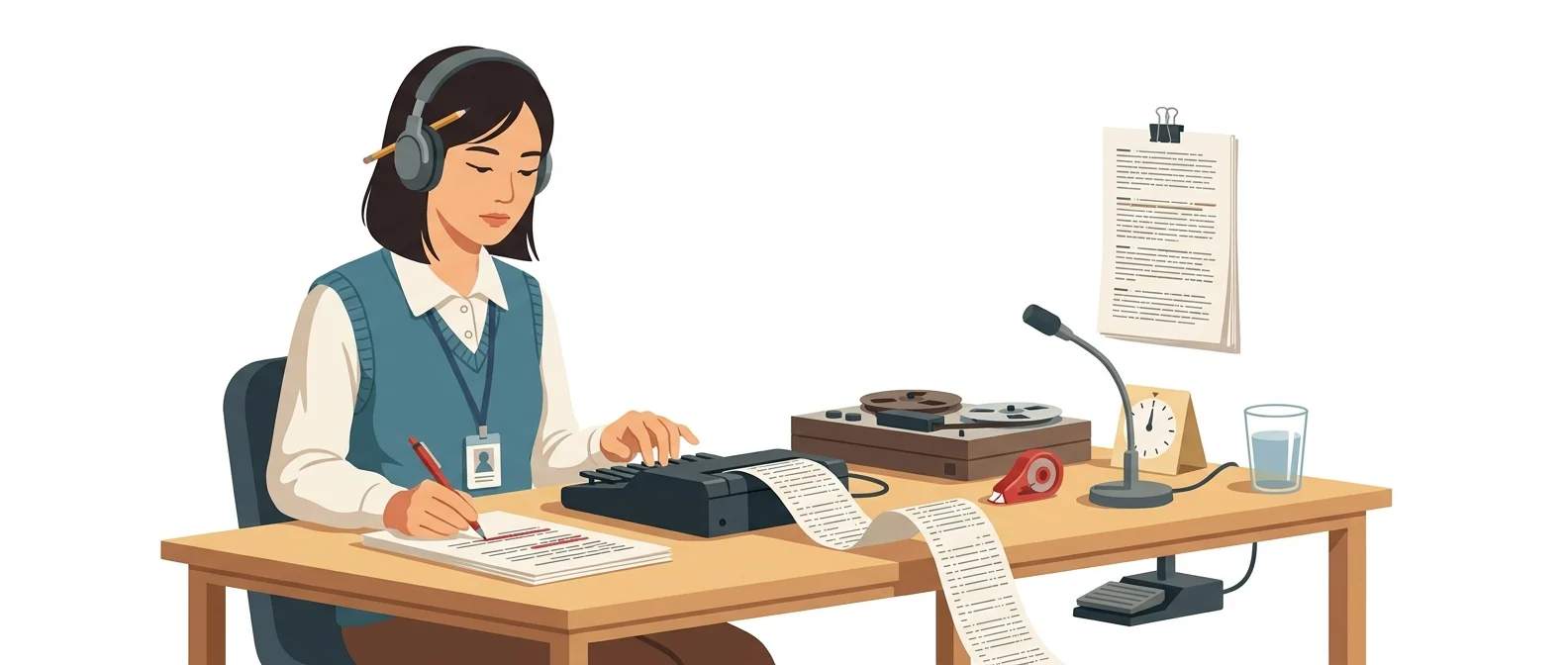
💡 In plain EnglishThink of it as bringing a stenographer to the meeting. It transcribes first; delete a line from the text and the matching video is cut too.
Most video produced in corporate training is lecture, interview, and meeting recordings centered on speech. For speech-centered video, finding things by text is faster than finding them by eye, and Vrew is a tool built around that approach.
Same job, different approach
You need to turn a two-hour recording of an internal lecture into a 10-minute summary
The old way
- Play it from the start and note the usable segments
- You replay the same spot several times to find where something was misspoken
- You skip subtitles because there’s no time
- Two days in, and only half done
Together with Vrew
- Upload a file and generate subtitles first with speech recognition
- Scan the subtitles by eye and delete the lines you don’t need
- Use silence trimming to tighten the slow parts
- Fix only the typos and export a summary video with subtitles
Common uses
Turn lecture recordings into transcripts
Add automatic subtitles to internal lecture or webinar recordings and post them on your intranet. Employees can watch even in offices where turning on sound is difficult.
Create interview transcripts
Upload interview video or audio to get it as text, then pass that transcript to another AI to pull out summaries and quotes.
Add foreign-language subtitles
Create subtitles, then add subtitles in other languages with the translation feature. Use it for manual videos aimed at overseas partners or local employees.
Who it’s for
Best for
- ✓Anyone who frequently handles lecture, meeting, or interview recordings
- ✓Anyone who spends the most time on subtitling
- ✓If company policy requires documented grounds for data handling
Better served by other tools
- –If your goal is precision editing such as color grading or compositing
- –Anyone who needs a rich set of templates and graphic elements
- –If you only need a quick summary of audio, with no video
Can we use it at work?
The questions that adoption leads and security teams ask first.
To confirm: the vendor says the original ISO certificate is available on request. For your internal adoption review, get a copy of the certificate and the full privacy policy and verify them yourself.
10-minute quick start
- 1
Download and install the program from the Vrew site. It supports Mac, Windows, and Ubuntu.
- 2
Upload one of your lecture or meeting recordings and run speech recognition. Subtitles appear first.
- 3
Scan the subtitles by eye and delete the lines you don’t need. Delete the text and the video is cut along with it.
- 4
Trim the slow stretches with silence reduction, fix only the typos, and export.
Copy-and-paste prompts
Replace only the [bracketed] parts, then paste it in.
In the subtitles generated by speech recognition, standardize how [company name] and [product name] are written, and break lines so no line exceeds 16 characters. Remove filler like 'um' and 'uh'.
Make a 3-minute video explaining [topic] to new [industry] hires. Use calm narration and office-style images, and end with a three-line summary.
Read the script below in a calm female voice. Speak a little slowly and pause for a beat between sentences.

[Paste script]
Translate the finished Korean subtitles into English. Keep proper nouns such as [product name] and [department name] exactly as written in the original, and render honorifics in a polite, formal register.
From the full subtitles of this lecture, pick 3 segments that would work as standalone 60-second short-form videos. For each, give me the opening sentence and explain why you chose it.
Using it with other tools
Linking two or three tools changes your work more than any single tool does.
Turn a lecture recording into both a document and a video
Turn the transcript into promotional short-form video
Before you start
- AI features draw from a monthly credit allowance, and unused credits don’t roll over to the next month. Check your remaining balance before processing a long recording.
- Speech recognition often gets proper nouns and numbers wrong. Have a person double-check company names, amounts, and dates.
- Output from the free plan carries a watermark. If the video is for external distribution, check the plans first.
- Deleting text also cuts the video, so if you wait too long to undo, you lose track of what the original looked like. Keep a separate copy of the original file.
Pricing: personal use and work use
Plans that individuals pay for are different from plans that organizations contract for by member.
For individual use
200 credits/month. Up to 200 minutes of audio analysis, up to 20,000 characters of AI voice
2,000 credits per month, 10GB cloud storage, watermark removal
10,000 credits/month, 50GB cloud storage, voice overwrite, and AI Writing Pro
Using it at work
12,000 credits per month, 60GB of cloud storage. 20% discount for educational institutions and a dedicated payment link
Checked 21 Sep 2026 · Amounts are the KRW prices shown on the official Korean pricing policy page, which states that all are final amounts including VAT. Prices change without notice — check the official page before you pay. Vrew official pricing policy ↗ · Vrew security, privacy, and data protection ↗
Agentic AI — the version that does the work itself
The official pricing table lists the “Vrew Agent” as a feature on every plan, so you can give editing instructions step by step and have it carry them out.
Vrew Agent
It carries out the editing tasks you request inside the program. The official pricing table lists no fixed usage amount; credits are deducted 'depending on the request.'
- Download and install the program, log in, and you can start editing right away — shown here is the Download menu on the official Vrew site
- Works on Mac, Windows, and Ubuntu; no install commands needed
Installation steps and conditions follow the official documentation. Vrew official pricing policy (terms common to all plans) ↗
Where Vrew falls short
We don’t just list the positives. Here is what fell short when we used it.
- It gets sluggish with long videos
When you open a recording longer than an hour, the screen stutters briefly each time you scroll through subtitles. You end up working in segments rather than handling the whole lecture as one file.
- Hard to split between two people
Vrew runs on your own computer, so handing just the subtitle review to a colleague is awkward. You have to send whole files back and forth, which makes it a poor fit for team workflows.
- Subtitle styling starts to look alike
If you stick with the default fonts and subtitle styles, your video ends up looking like everyone else’s. To get your own look, you need to create a style template and apply it each time.
Tools to compare
 CapCutUnmatched convenience→
 Lilys AIVideo, audio, and document summaries→
 TypecastBuilt for Korean dubbing→
FAQ
Last updated 22 Sep 2026 · The ratings on this page come from John Kim, CEO of Nanum Consulting, who has used these tools firsthand in training and real work.
Make Vrew part of your team’s skill set
Send us a message and we’ll reply within 24 hours. We’ll propose a curriculum tailored to your industry and job roles.
Courses covering this toolChatGPT and AI Tools Training · Using AI Tools (by Use Case) · Video Production with AI