
Premiere
“Final Flyer (Video Generation, Extension)” — a veteran editor from a long-established edit suite
What is Premiere?
Premiere is Adobe’s professional video editor. It layers Firefly-based generative features, plus AI search that finds your footage in plain language, on top of decades of precision editing tools.
- 1Still the benchmark for precision editing
- 2AI extends a short clip by a few seconds
- 3Find footage by describing it in words
What sets it apart
These are the differences we found by running the same material through several tools in our training sessions.
Generate the missing seconds and add them to the clip
Generative Extend creates footage that doesn’t exist when you drag the start or end of a clip. Per the official documentation, it can extend video by up to 2 seconds and audio by up to 10 seconds. It carries on background sound and room tone, but it does not extend dialogue. It helps you avoid a reshoot when a cut is just a beat short.
Find footage by describing it in words
Type the scene you’re looking for as a sentence in the search bar, and it picks out the matching clips. It filters on a line of dialogue, on-screen text, the shooting date, and more, all at once. The time you spend digging through unnamed files in hours of footage drops sharply.
Analysis runs entirely on your own computer
The official help states that your footage, the analysis data, and your search terms never leave your computer, and Adobe does not use them for training. The analysis model is also installed on your computer and works without an internet connection. These conditions make it easier to pass review in organizations that restrict sending data outside the company.
⚖️ The weaknesses are clear, too
It takes time to learn, and the subscription fee keeps going out. The generative features aren’t a cure-all either: the extendable length is fixed at 2 seconds of video and 10 seconds of audio, and the generated section is created in 8-bit, so seams can show in scenes with fine color gradients. Dialogue can’t be extended at all.
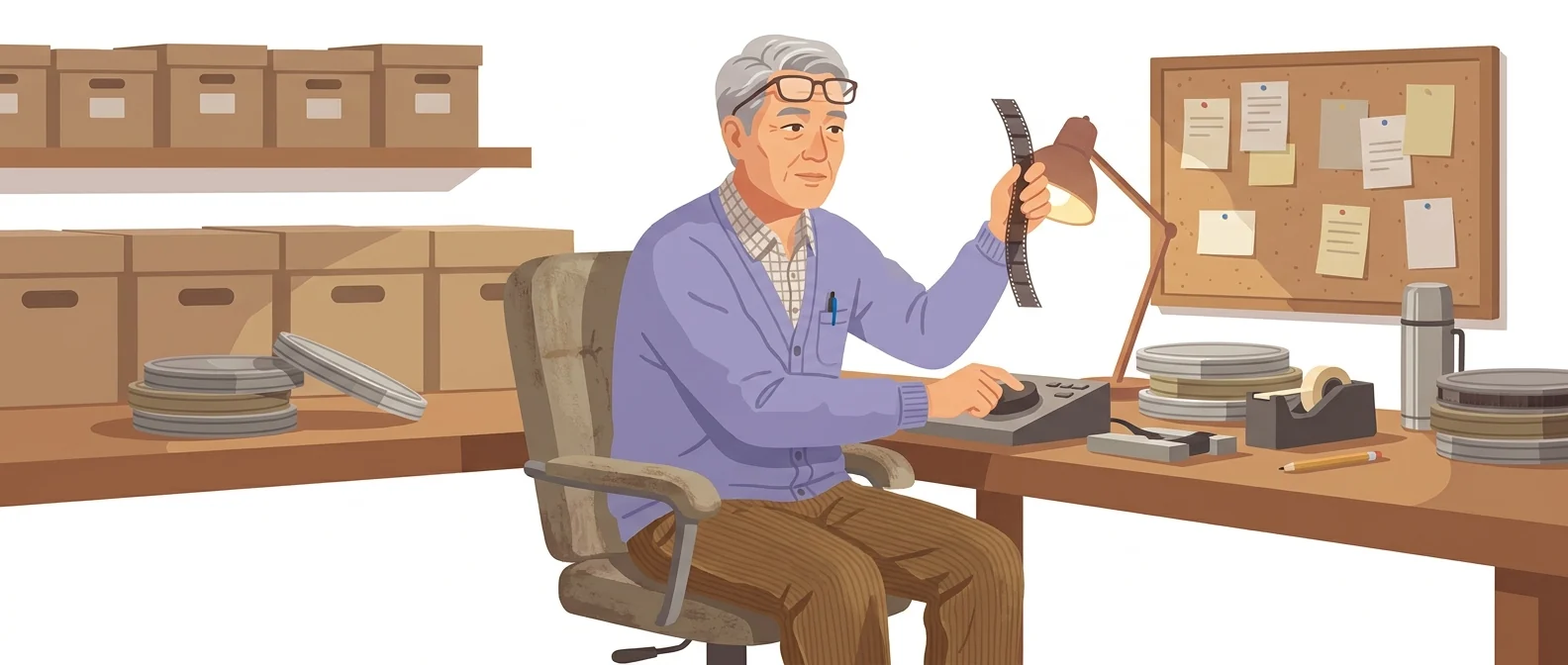
💡 In plain EnglishIt’s like the veteran engineer in an old editing suite. It takes time to learn, but the tougher the job, the more often you’ll end up back here.
As in-house video grows, you eventually face 'work that must be delivered to spec'. At that point the limits of easy tools show, and you need a tool built for precision editing that leaves a review trail.
Same job, different approach
The day before delivery, the last cut runs a beat short and the subtitles get cut off
The old way
- A reshoot is not possible, so rework the lengths of the cuts before and after
- You stretch the timing with transitions to buy time
- You end up shortening the captions and cutting sentences
- You stay up until dawn and end up handing it off half-finished
With Premiere
- Drag the end of the last clip to extend it as far as you need
- Check by eye that the generated section looks natural
- If you don’t like the result, regenerate it to see another version
- Leave the subtitles as they are and deliver on schedule
Common uses
Final polish for training and event videos
Take a draft made in an easier tool and refine it to spec. Fix the items that fail review in one pass: aspect ratio, audio levels, and caption position.
Organize large volumes of footage
Drop in a full day’s footage at once and find the scenes you need by describing them in a sentence. Even if your file names are a mess, the search works from the content.
Polish interview footage
Trim out pauses and mistakes between spoken words. Where a cut runs short, extend the surrounding footage slightly to keep the pacing.
Who it’s for
Best for
- ✓Video owners whose work must meet delivery specs and pass review
- ✓Teams that spend a lot of time searching through large volumes of footage
- ✓Organizations whose footage cannot leave the premises and must be processed locally
Better served by other tools
- –For anyone who shoots and publishes the same day
- –Anyone who wants to start without a subscription fee
- –Anyone who only needs caption extraction and translation
Can we use it at work?
The questions that adoption leads and security teams ask first.
Note: before adopting this at your company, check the data-processing terms and generation-credit policy for generative features against Adobe’s original enterprise terms.
10-minute quick start
- 1
On the official plan page, choose either the Premiere single-app plan or the all-apps plan, then start the trial.
- 2
Gather your footage in one folder and add it to the project. AI search only works properly once background analysis has finished.
- 3
Type the scene you want into the search bar as a sentence. You can find footage by its content, even if you don’t know the file name.
- 4
Where a cut runs short, choose Generative Extend from the toolbar and drag the end of the clip.
Copy-and-paste prompts
Replace only the [bracketed] parts, then paste it in.
Two people sitting across from each other in a meeting room
The segment where the speaker says [product name]
Clips with [keyword] written on the whiteboard
Outdoor shots filmed on [date] where a person walks into the frame
Scenes shot at a similar angle and brightness to this clip
Using it with other tools
Linking two or three tools changes your work more than any single tool does.
Splitting quick drafts and precise finishing between tools
Mixing generated scenes with live footage
Before you start
- Generative Extend is limited to 2 seconds of video and 10 seconds of audio. If you need more, a reshoot is faster.
- Generated sections are created in 8-bit. In scenes with fine color gradations, such as sky or skin, banding may be visible, so check these carefully.
- Dialogue can’t be extended, and the audio drops out in the extended section. Don’t use it where speech needs to continue.
- Most plans are billed monthly on an annual commitment. Check the checkout screen so a one-month plan doesn’t turn into a one-year commitment.
Pricing: personal use and work use
Plans that individuals pay for are different from plans that organizations contract for by member.
For individual use
Video editing app for desktop and iPhone
Includes 20+ apps such as Photoshop, Illustrator, and Acrobat Pro
Using it at work
Admin console for license allocation, 180-day version history, and team collaboration features
Includes 20+ apps, 1TB of cloud storage, and generative credits
Checked 21 Sep 2026 · These are the KRW prices shown on Adobe’s official Korea plan page. Individual plans are shown with VAT included and team plans excl. VAT; all are annual subscriptions billed monthly. Prices change without notice, so check the official page before you pay. Adobe Korea plans and pricing ↗ · Adobe business plan comparison ↗ · Generative Extend help ↗
Where Premiere falls short
We don’t just list the positives. Here is what fell short when we used it.
- You are charged even in months you do not use it
Some months are packed with editing and others have none, yet the subscription fee goes out all the same. It’s an annual commitment billed monthly, so it’s hard to pause, and the cost never goes away.
- Needs capable hardware
Upload high-resolution footage and the preview stutters and exports take a while. There are moments when an office laptop is not up to the task, so using it properly means budgeting for hardware as well.
- The first screen is intimidating
There are so many menus and panels that it is hard to know what to click first. The interface is in Korean, but most tutorials worth following are in English, so you need extra time to match terms across the two.
Tools to compare
 CapCutEasiest to use→
 CanvaVideo and image editing (large asset library)→
 FlowIdea outlining, final edit→
FAQ
Last updated 22 Sep 2026 · The ratings on this page come from John Kim, CEO of Nanum Consulting, who has used these tools firsthand in training and real work.
Make Premiere your team’s own skill
Send us a message and we’ll reply within 24 hours. We’ll propose a curriculum tailored to your industry and job roles.
Courses covering this fieldAI Tool Training (by Use Case)