
Stable Diffusion
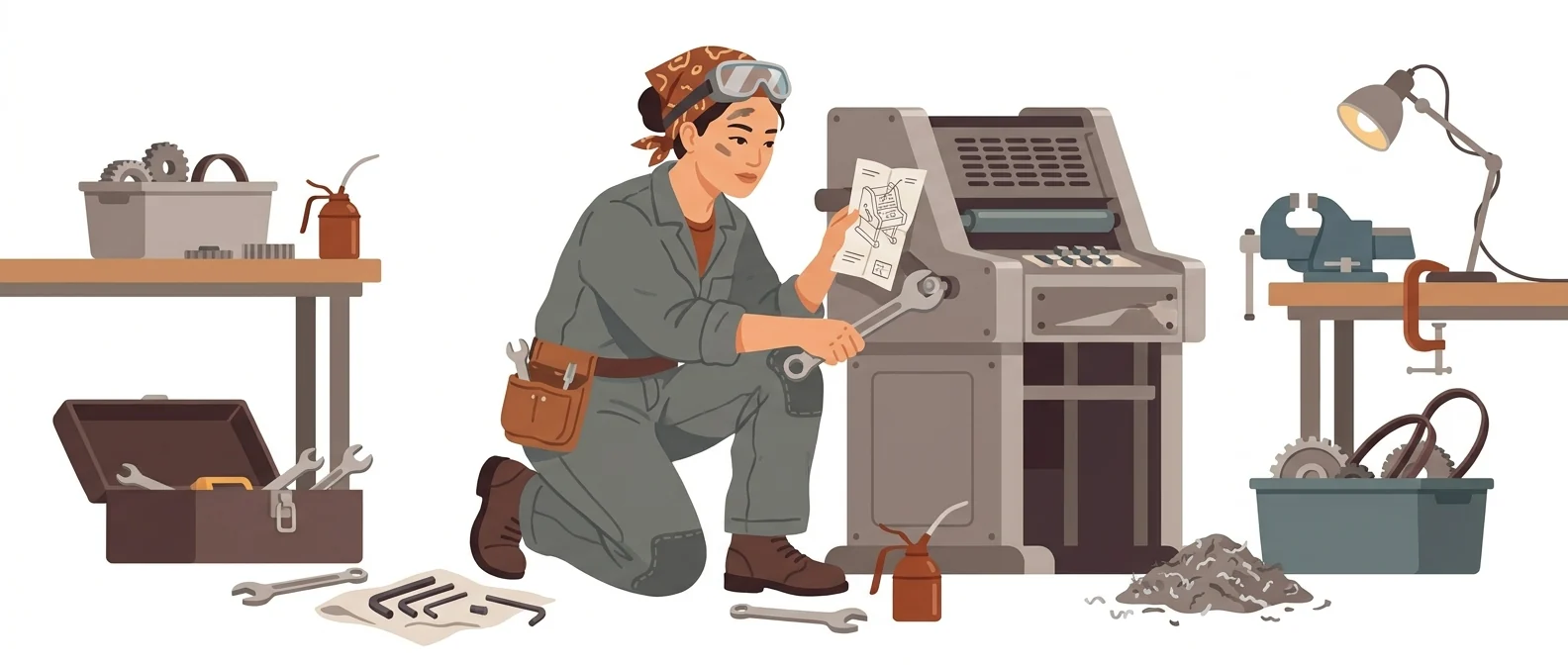
“Advanced” — a workshop machine that only runs once you assemble it yourself
What is Stable Diffusion?
Stable Diffusion is a family of image generation models released by Stability AI. Its defining feature is that you install and run it on your own computer or company hardware instead of a third-party server.
- 1It is a model you download and install, not a web service
- 2Its biggest advantage is that your data never leaves the company
- 3It takes a lot of hands-on work, and getting to a first result is a long road
What sets it apart
These are the differences we found by running the same material through several tools in our training sessions.
Your data never leaves the company
When you run it on your own computer, neither images nor prompts are uploaded to an external server. For organizations that cannot use cloud tools because they handle unreleased product photos or internal materials, this alone can make it worth considering, regardless of performance.
Stay in control from start to finish
You set the values yourself, from the model type and number of iterations to how strongly a reference image shapes the result. You can generate hundreds of images with the same layout, or train a specific art style and add it on. No limits set by anyone else is the reason to use this tool.
An open license
The official license page states that the core model is free, including for commercial use, for individuals, researchers, and small businesses with annual revenue under US$1 million. With no per-image fee, the more you generate, the lower your cost per image.
⚖️ The weaknesses are clear, too
As John Kim rates it, this is high difficulty. The user handles everything, from setting up the installation environment to graphics card specs, model file management, and extension conflicts. The interface and terminology are in English, and there are many values to adjust before you get the one image you want. Not a fit if you need results today.
💡 In plain EnglishIt is less a finished coffee machine and more a workshop machine you build from parts you buy. Once it is built, it can make almost anything.
When an organization brings in AI, the question that lingers to the end is 'Can we send our data outside?' Simply having a self-hosted option gives organizations that gave up on image AI over security a different route.
Same job, different approach
You need to draft promotional images from photos of an unreleased product
The old way
- Security review blocks the use of external AI services
- You end up briefing the outside vendor in words alone, with no product photos
- A draft comes out wrong and you have to explain everything from scratch
- A launch deadline is close, so you reuse last year’s images
Stable Diffusion in practice
- Install the model on an office PC so nothing leaves your network
- Use a product photo as a reference image and change only the background
- Generate several background and lighting variations of the same composition and collect them
- Attach the chosen drafts to the vendor brief so you agree on direction first
Common uses
Materials that must stay inside your network
When you work with images that cannot be uploaded to an outside service, such as unreleased product photos, internal drawings, or client materials, the self-hosted version is your only option.
Bulk generation to one spec
When you need hundreds of images with a fixed layout and size, such as product listing images, you can run the job overnight with no per-image fee.
Lock in your house style
If you train your company character or brand illustration style as a separate file and attach it, the same look is preserved even when the person in charge changes.
Who it’s for
Best for
- ✓Staff at organizations that cannot use outside image AI for security reasons
- ✓Anyone who wants to adjust settings by hand and control the results
- ✓Anyone who needs to produce large batches of images in the same format
Better served by other tools
- –Anyone who needs a poster finished today
- –Anyone who does not want to spend time on installation and setup
- –Anyone working only on a laptop without a powerful graphics card
Can we use it at work?
The questions that adoption leads and security teams ask first.
Note: revenue thresholds, rights to generated output, and the licenses on publicly released add-on model files all vary. Check the official license text and each model’s terms before adopting it.
10-minute quick start
- 1
First, check your hardware. A local install only pays off if the graphics card has plenty of memory.
- 2
Start on the official license page and confirm whether your organization qualifies for the free terms.
- 3
Pick and install a self-hosted launcher, then download a base model file and add it.
- 4
First generate one image with the default settings, then change one value at a time and note the difference.
Copy-and-paste prompts
Replace only the [bracketed] parts, then paste it in.
Studio photo of [product name] on a light gray background. Soft side lighting, faint shadow, slightly elevated front angle, background left empty. (Writing this in English gives more stable results.)
In the negative prompt, list [blurry focus, text, watermark, distorted hands, extra fingers]. With the self-hosted version, how well you write the negative prompt largely determines output quality.
Follow only the composition of the reference image, and change the colors and materials to [desired mood]. Start with a low reference strength and raise it gradually, checking how much of the original remains.
[Product name] listing image. Square, white background, centered, no shadow. With the same settings, generate in sequence, swapping in each item from [item list] one at a time.
Redraw only [area to change] in this image. Blend the edges softly so the rest of the image matches in lighting and color. The new content is [description].
Using it with other tools
Linking two or three tools changes your work more than any single tool does.
In-house image pipeline
Comparing training exercises
Before you start
- If your graphics card is underpowered, it may install but be impractical to use. Check your hardware first.
- Add-on model files found online come from many sources under many different licenses. For business use, check them even more carefully.
- An organization above the annual revenue threshold that uses the free license is in breach of its terms. Check before you adopt it.
- Even with a local install, using photos of people’s faces for training is a separate issue. Check your privacy policy first.
Pricing: personal use and work use
Plans that individuals pay for are different from plans that organizations contract for by member.
For individual use
Individuals, researchers, and small businesses with annual revenue under US$1 million, including commercial use
Using it at work
Companies with annual revenue above US$1 million, and API providers. Includes commercial use and onboarding support
Checked 21 Sep 2026 · Terms shown on the official Stability AI license page. Because this is a model you install and run yourself, it is licensed by revenue threshold rather than a monthly subscription. The credit prices for the company’s web service and developer API could not be read because the page is rendered by script. Pricing can change without notice — check the official page before paying. Official Stability AI license ↗ · Stability AI developer platform pricing ↗
Where Stable Diffusion falls short
We don’t just list the positives. Here is what fell short when we used it.
- Korean-language guides are hard to find
Both the official docs and the extension guides are in English, so when you get stuck, answers in Korean are hard to find. You often have to cross-check several blog and community posts to solve a problem.
- It works best as a solo tool
Because it is installed and run on your own machine, sharing images and settings with a team is cumbersome. Files have to be organized and handed over separately, so people have to create the rules for working together.
- It takes a long time to get one usable image
You adjust the settings a little at a time and generate several images to choose from, so landing a single good image takes quite a few attempts. When you need materials urgently, that process becomes a burden.
Tools to compare
 NanoBananaBest overall image quality→
 FluxBest for people and hands→
 MidjourneyHigh-quality images (for designers)→
 TopazSpecialized in upscaling→
FAQ
Last updated 22 Sep 2026 · The ratings on this page come from John Kim, CEO of Nanum Consulting, who has used these tools firsthand in training and real work.
Stable Diffusion, built on your team’s skills
Send us a message and we’ll reply within 24 hours. We’ll propose a curriculum tailored to your industry and job roles.
Courses that teach this toolAI Tools Training (by Use Case)