
Midjourney
“High-quality images (for designers)” — a studio photographer with firm tastes
What is Midjourney?
Midjourney is an image generation service from the US company Midjourney. Its signature style produces near-editorial results from a simple prompt, and it is a subscription tool widely used by designers and production professionals.
- 1The mood and polish of the result are the first thing people notice
- 2There is no free plan — you have to pick one of four subscriptions
- 3Images are public by default, so private mode is only on higher plans
What sets it apart
These are the differences we found by running the same material through several tools in our training sessions.
Turns even a plain sentence into a magazine-quality visual
Where other tools draw "exactly as described," this one delivers a result with extra polish. Lighting, composition, and color come already set, so choosing drafts goes faster, and the difference shows on covers and banners, where first impressions are everything.
The more you use it, the cheaper it gets
Per the official pricing page, Standard and above include Relax mode, which has no image limit if you can wait. Use Fast hours for urgent work and Relax for exploring drafts, and you can generate far more within the monthly fee.
No Discord needed
In the early days you had to know Discord commands, but now you can type a sentence into the prompt box on the midjourney.com web interface. Settings sync between web and Discord, so a change on one side shows up on the other.
⚖️ The weaknesses are clear, too
There is no free trial, and the images you create are public by default. Private creation with Stealth mode is available only on Pro and Mega plans, and the official terms require companies with annual revenue over US$1 million to use Pro or higher.
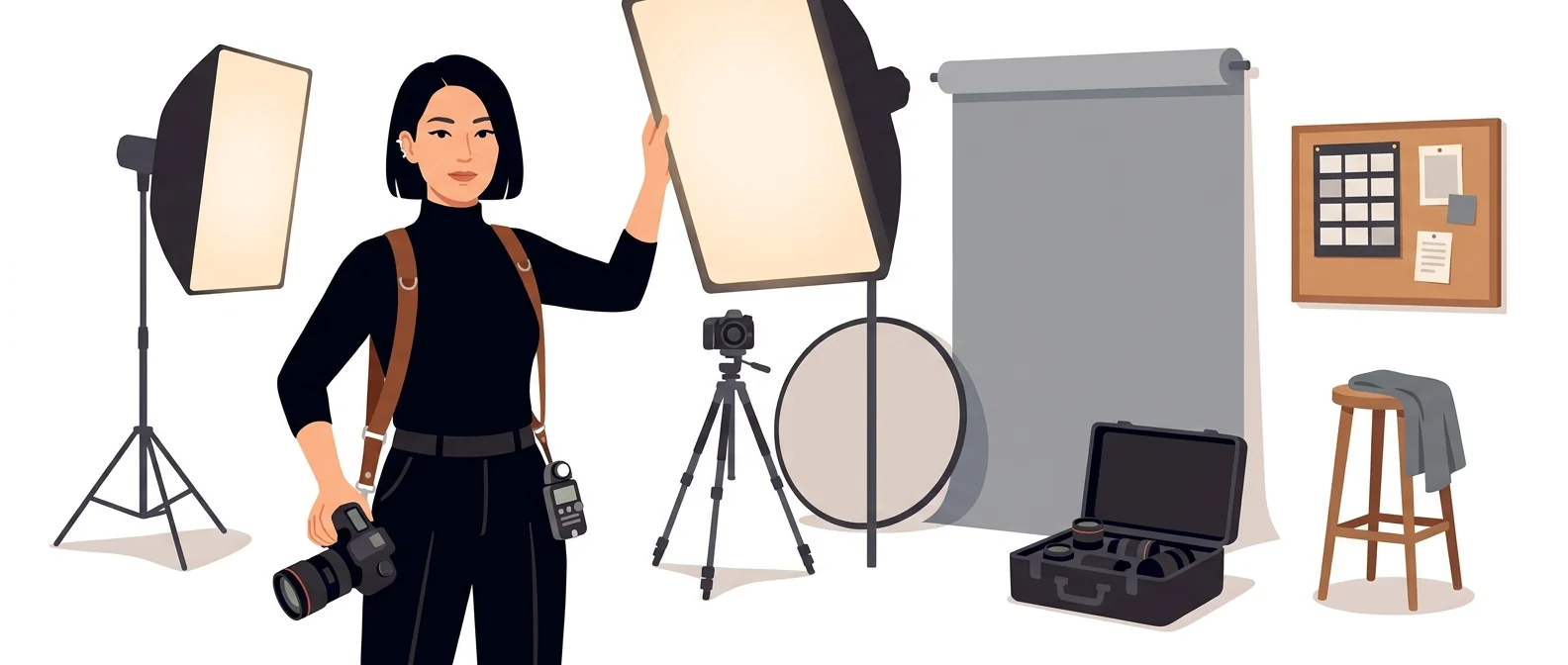
💡 In plain EnglishIt is less like hiring a generic photographer who shoots whatever you ask, and more like commissioning a studio photographer with a distinct style of their own.
A single image often defines how people see a company’s promotional materials. For teams that need to cut outsourced design costs and lead time, getting this quality at the draft stage is itself negotiating leverage.
Same job, different approach
You need to show at least three poster drafts for next week’s seminar
The old way
- Ask an outside designer for a rough draft
- Coordinating schedule and budget eats up several days
- The drafts come back off-target, so you have to explain again
- Every round of revisions costs you another few days
With Midjourney
- Describe the mood you want in a sentence and generate several images at once
- Pick the shots that are on track and run variations
- Take your three chosen drafts into the meeting
- Only the confirmed direction goes to the designer for formal production
Common uses
Poster and banner drafts
Generate several mood and layout options and settle on a direction in a meeting. For the final printed piece, add the text in an editing tool.
Brand style exploration
Use an image you like as the reference and carry its visual style across a series. Handy for keeping the tone consistent across all your internal materials.
Lecture and presentation background images
Create backgrounds for slide covers. Ask in your sentence for space to be left where the text will go, and editing gets easier.
Who it’s for
Best for
- ✓Marketing and design managers who care about the first impression of promotional materials and covers
- ✓Anyone who wants to review several drafts and set a direction before outsourcing
- ✓Subscribers who create images regularly every month
Better served by other tools
- –Anyone who makes only a few images a month
- –People who need Korean text inside the image
- –Anyone working with material that can’t be made public
Can we use it at work?
The questions that adoption leads and security teams ask first.
Please verify: commercial-use terms and visibility settings vary by plan, so check them against the official Terms of Service.
10-minute quick start
- 1
Sign up at midjourney.com and choose a subscription on the plan management screen. There is no free tier.
- 2
Annual billing charges the full year up front. If you’re new, it’s safer to try one month on monthly billing.
- 3
Type the scene you want into the web input box as an English sentence. When a shot you like comes out, run variations.
- 4
If you work with company materials, first check that your plan supports Stealth mode.
Copy-and-paste prompts
Replace only the [bracketed] parts, then paste it in.
Background for a corporate training seminar poster. Top-down view of a bright meeting room, mostly blue and white, with the center left empty for the title. Vertical ratio for print.
Four abstract backgrounds capturing [company mood]. Keep the same color palette and texture, varying only the shapes. For use as a cover series for internal documents.
A scene that symbolizes [topic]. Generous white space, calm lighting, people only as silhouettes. 16:9 landscape for a slide cover.
A styled product photo of [product type] on a wooden desk in morning sunlight. Shallow depth of field, warm tones, minimal props.
Using the same visual style as the image I just picked, draw [another scene] this time. Keep the colors and textures exactly the same.
Using it with other tools
Linking two or three tools changes your work more than any single tool does.
Poster draft → final (one day)
Image → promo video (half a day)
Before you start
- On lower-tier plans, the images you create are public. For company materials, check the plan first.
- Annual billing charges the full year up front. Until you are comfortable with the tool, monthly billing is safer.
- Unused Fast hours do not roll over. If any are left, use them before your plan renews.
- Don’t expect text inside the image. It’s faster to add wording in an editing tool.
Pricing: personal use and work use
Plans that individuals pay for are different from plans that organizations contract for by member.
For individual use
3.3 Fast hours (200 minutes), no Relax mode
Fast 15 hours + unlimited image Relax
30 Fast hours, with private generation (Stealth mode)
Fast 60 hours, including private generation
Usable only while subscribed; purchased hours expire after 60 days
Using it at work
Official guidance: companies of this size must purchase a Pro or Mega plan
You need this plan if you don’t want your images or videos to be public
Confirmed 21 Sep 2026 · Amounts are the US dollar prices shown in the plan comparison table in the official help center. Taxes and currency may vary by the country you connect from. Prices change without notice — check the official page before you buy. Midjourney official plan comparison ↗ · Midjourney official subscription guide ↗
Midjourney drawbacks
We don’t just list the positives. Here is what fell short when we used it.
- It’s hard to control exact placement
The overall look is impressive, but placement instructions such as “put this object in this spot” are not followed exactly. You end up generating several images and choosing the one with the layout you want.
- You end up counting the hours left
Fast-processing hours are capped by plan, so you end up rationing what is left. In a week with stacked deadlines, the hours run out first and you start weighing an extra purchase.
- There is a learning curve
Even with the same tool, results vary widely depending on how you write the description. Most reference prompts are shared in English, so at first you’ll learn by copying other people’s examples.
Tools to compare


FAQ
Last updated 22 Sep 2026 · The ratings on this page come from John Kim, CEO of Nanum Consulting, who has used these tools firsthand in training and real work.
Midjourney as a skill your whole organization owns
Send us a message and we’ll reply within 24 hours. We’ll propose a curriculum tailored to your industry and job roles.
Courses covering this toolChatGPT & AI Tools Training · AI Tool Usage Training (by Purpose)