
Sora 2
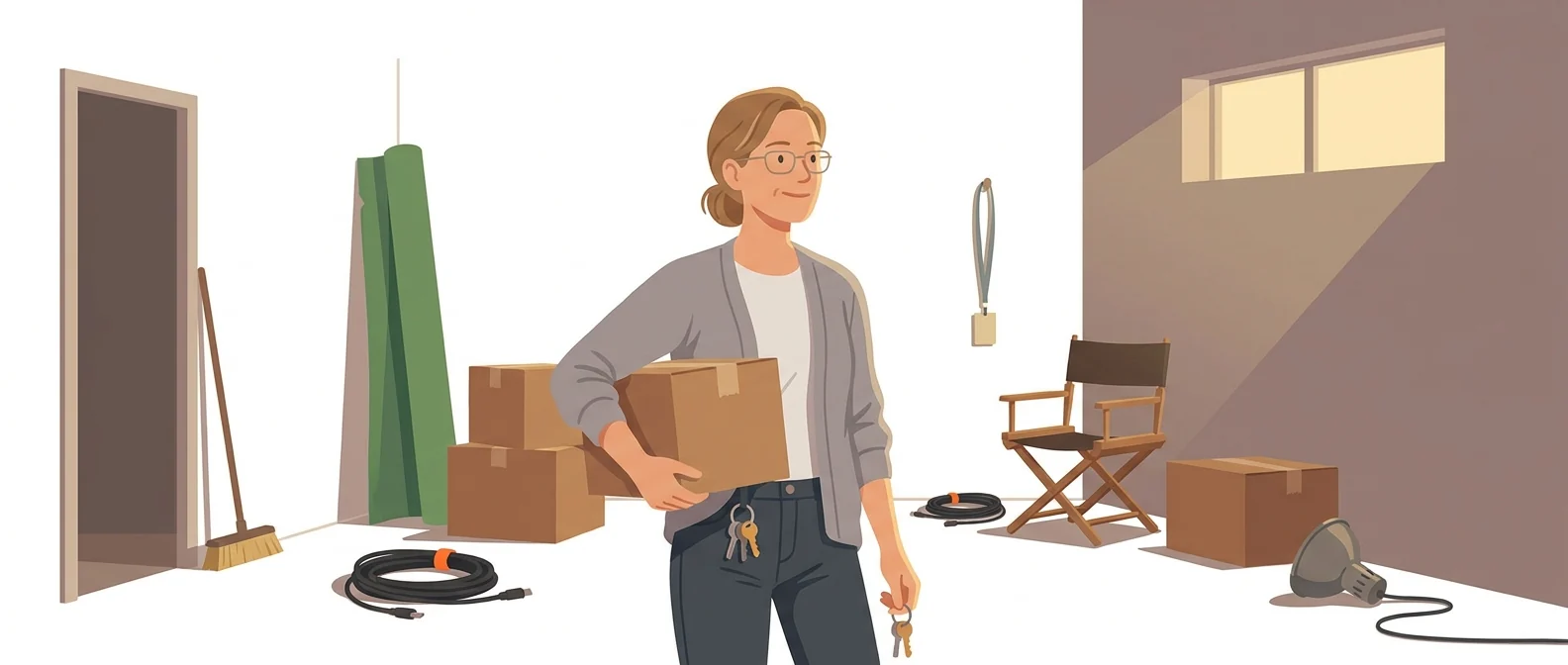
“Discontinued” — a studio with everything packed up and the lights off
What is Sora 2?
Sora was a video generation service built by OpenAI. After its shutdown was announced in March 2026, the app and web versions closed on April 26, and the developer API is scheduled to end on September 24. You can no longer sign up as a new user.
- 1The app and web versions shut down on 26 Apr 2026
- 2The developer API is also scheduled to end on 24 Sep 2026
- 3All you can do now is save the videos you made
What sets it apart
These are the differences we found by running the same material through several tools in our training sessions.
Introduced video AI to the public
It was the service that first showed everyday users that a short sentence could produce convincing video. The baseline you expect from other tools (“it should at least do this”) was largely set by this service.
The lesson is clear
Even a well-built service disappears if it can’t cover its running costs. Tie an entire workflow to a single tool, and it stops the moment that tool shuts down. This case shows why you need the habit of downloading outputs to your own storage.
You had time to wrap things up
The shutdown was announced in March, and access closed in stages: the app in April, the API in September. It didn’t vanish overnight, and users had a window to download their work. Whether you used it is what makes the difference today.
⚖️ The weaknesses are clear, too
Its biggest weakness is that you can’t use it anymore. The app and web versions closed on April 26, 2026, and the API is scheduled to shut down on September 24. There is no reason to learn it or adopt it internally, and if the name still appears in your course materials or manuals, remove it.
💡 In plain EnglishIt’s like a studio that has taken down its sign and cleared out its furniture. The door is locked, and all that remains is to check for anything left behind.
Choose an AI tool on performance alone, and this is what can happen. This case shows that designing for your output and workflow to survive a shutdown matters as much as picking the tool.
Same job, different approach
Where is the original file for last year’s promo video?
The old way
- Videos were uploaded to the service and shared by link
- The account was handed over when the owner changed, but nothing else was
- Nobody opened the shutdown notice email
- The link won’t open the page
Alongside Sora 2
- Download videos to company storage the day you create them
- Keep the original prompts and settings on file as well
- Organize folders by deliverable, not by tool name
- Even if a tool shuts down, your materials and work keep running
Common uses
Recovering past outputs
If you have been using videos made with Sora, check whether the originals are in your internal storage. If you only shared them as service links, those links no longer open.
Check connected automations
If an internal tool calls the API for video generation, remove those calls. Otherwise they tend to linger as features that fail silently.
Updating course materials and manuals
If Sora is still listed in your internal AI materials or tool list, update it now. Hearing “it won’t open” in the training room undermines trust.
Who it’s for
Best for
- ✓Anyone responsible for organizing previously created outputs
- ✓You need to bring internal training materials or tool lists up to date
- ✓Anyone who needs to explain the tool shutdown to their organization
Better served by other tools
- –You need to create new video today
- –Anyone planning to adopt a video tool in-house
- –Anyone looking for a tool they can rely on long term
Can we use it at work?
The questions that adoption leads and security teams ask first.
Note: To find out how account data is retained or deleted after the shutdown, see OpenAI’s official shutdown notice. We couldn’t verify it because the document won’t open from outside OpenAI.
10-minute quick start
- 1
First, find where videos made with Sora are used inside your company. Checking promotional materials, training materials, and proposals, in that order, is the fastest way.
- 2
Check whether the original file of that video is in your company storage. If you only have the service link, it already won’t open.
- 3
If you have an in-house tool connected through the API, remove that feature or switch it to another tool.
- 4
Remove the name from your course materials and tool lists, and tell people which tool to use instead.
Copy-and-paste prompts
Replace only the [bracketed] parts, then paste it in.
The camera slowly circles from left to right around [product name] on a bright office desk. Morning sunlight, soft shadows, blurred background. No people, only the product. 16:9, 8 seconds.
In an empty auditorium before [event name] begins, the lights come on one by one as the camera slowly moves toward the stage. Warm lighting, an atmosphere of anticipation. No text or captions. 16:9, 10 seconds.
At a store counter, a staff member listens to a customer all the way through, nodding and taking notes. Calm, courteous expression; the face should not look like any specific person. Natural indoor lighting. 16:9, 8 seconds.
A point-of-view walk starting at [office entrance] and continuing to the meeting room at the back. The camera moves forward steadily at eye level. Afternoon, natural light, no people in the frame. 16:9, 10 seconds.
A hand picks up [product name] from a café table and slowly turns it around. Keep the product’s shape and color unchanged. Blurred window in the background, afternoon sunlight. No people other than the hand. 9:16 vertical, 8 seconds.
Using it with other tools
Linking two or three tools changes your work more than any single tool does.
Moving from Sora to other tools
Reusing past outputs
Before you start
- If this name still appears in your internal training materials or tool lists, remove it now. Nothing is more embarrassing than a screen that won’t open in the training room.
- You can paste the prompts above as is into Veo, Kling, or Runway today. They won’t work in this tool.
- In-house tools that use the API for video generation will fail silently. Often you get an empty result rather than an error screen.
- Whatever AI tool you use, download the output to your internal storage the day you make it. This case is the reason why.
Pricing
The service has shut down, so no one can sign up, free or paid. The app and web versions closed on 26 Apr 2026, and the developer API is scheduled to end on 24 Sep.
Please check this tool’s pricing directly on the official page. We do not list amounts we have not verified.
Where Sora 2 falls short
We don’t just list the positives. Here is what fell short when we used it.
- You still have to choose a replacement
The visual look you had dialed in here has to be found again from scratch in another tool. Running several services side by side and generating the same scene to compare them takes even more time.
- Moving everything over takes a lot of manual work
The prompts and settings you’ve built up don’t carry over unchanged from tool to tool. Reworking the wording and matching length and aspect ratio can feel like repeating work you’d already finished.
- Few places to get help
There’s no obvious place to ask how the data left in your account will be handled. The notice is also in English, so users in Korea face a long detour before they get an answer.
Tools to compare
 Veo 2, 3Generates dialogue and background sound→
 KlingCombines many features→
 RunwayAI tool specialized in image-to-video→
 SeedanceImpressive performance→
FAQ
Last updated 22 Sep 2026 · The ratings on this page come from John Kim, CEO of Nanum Consulting, who has used these tools firsthand in training and real work.
Sora 2: what your organization can do
Send us a message and we’ll reply within 24 hours. We’ll propose a curriculum tailored to your industry and job roles.
Course covering this toolVideo Production with AI