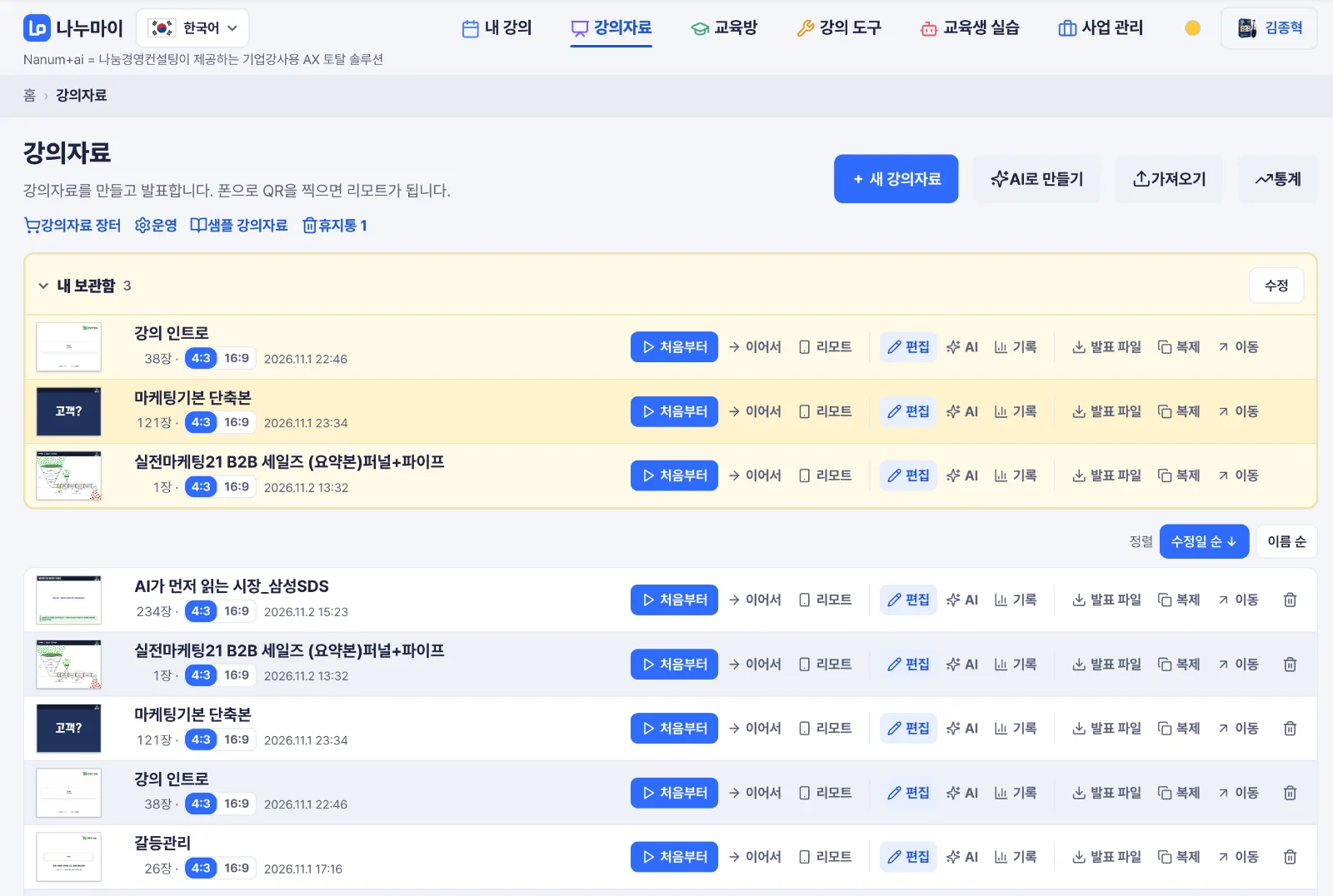
This week, while preparing a lecture for the IT affiliate of a major corporation, I hit an unexpected wall. Because of their security policy, I couldn’t bring in an outside laptop, or even a USB drive. For an instructor, course materials are a weapon, and I couldn’t carry mine through the door. So I changed my approach. Instead of carrying files in, I decided to build slides that open anywhere from a single web address. From yesterday through today, I’ve been working on adding slide creation to our instructor platform, Nanumai (nanumai.com).
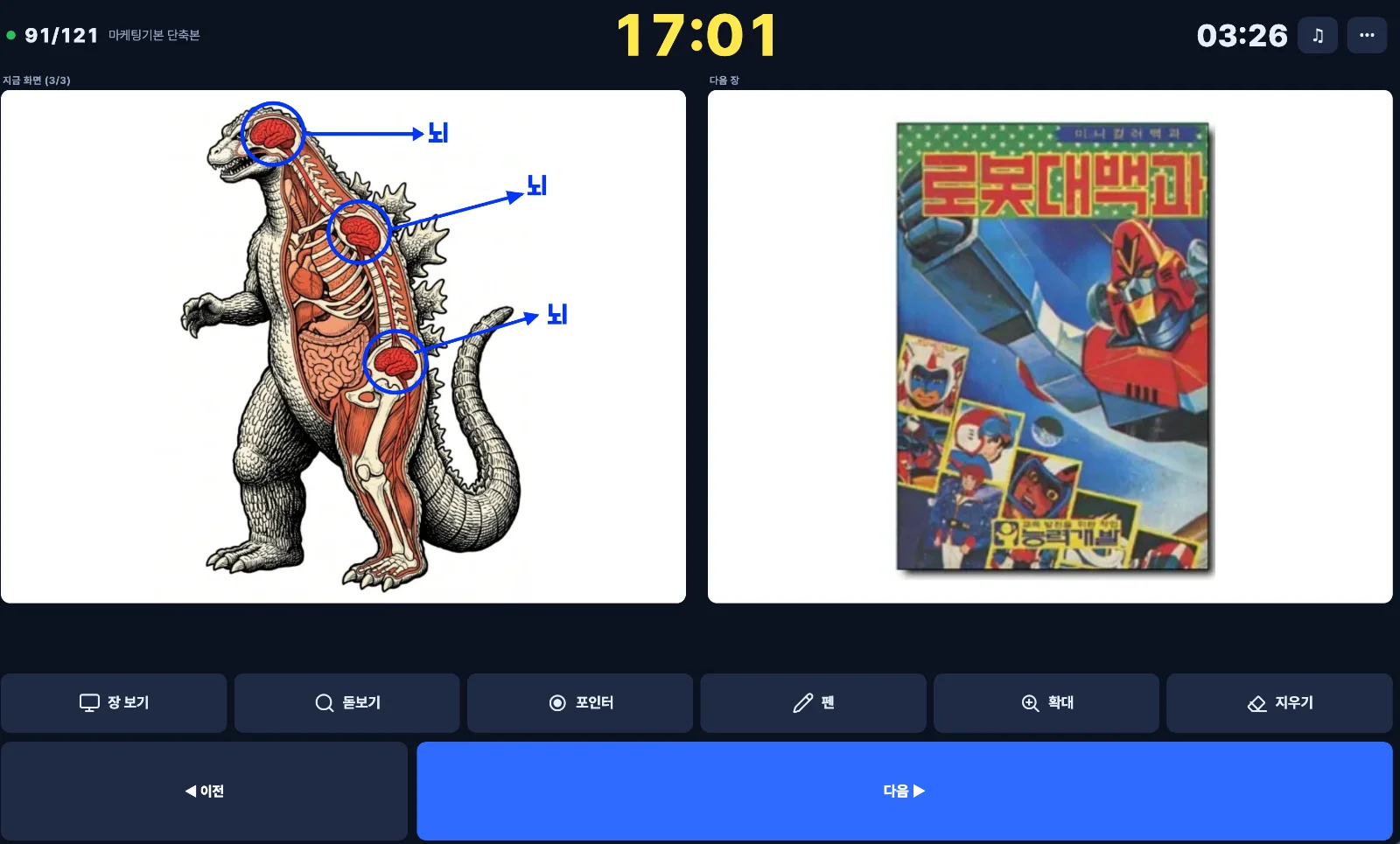
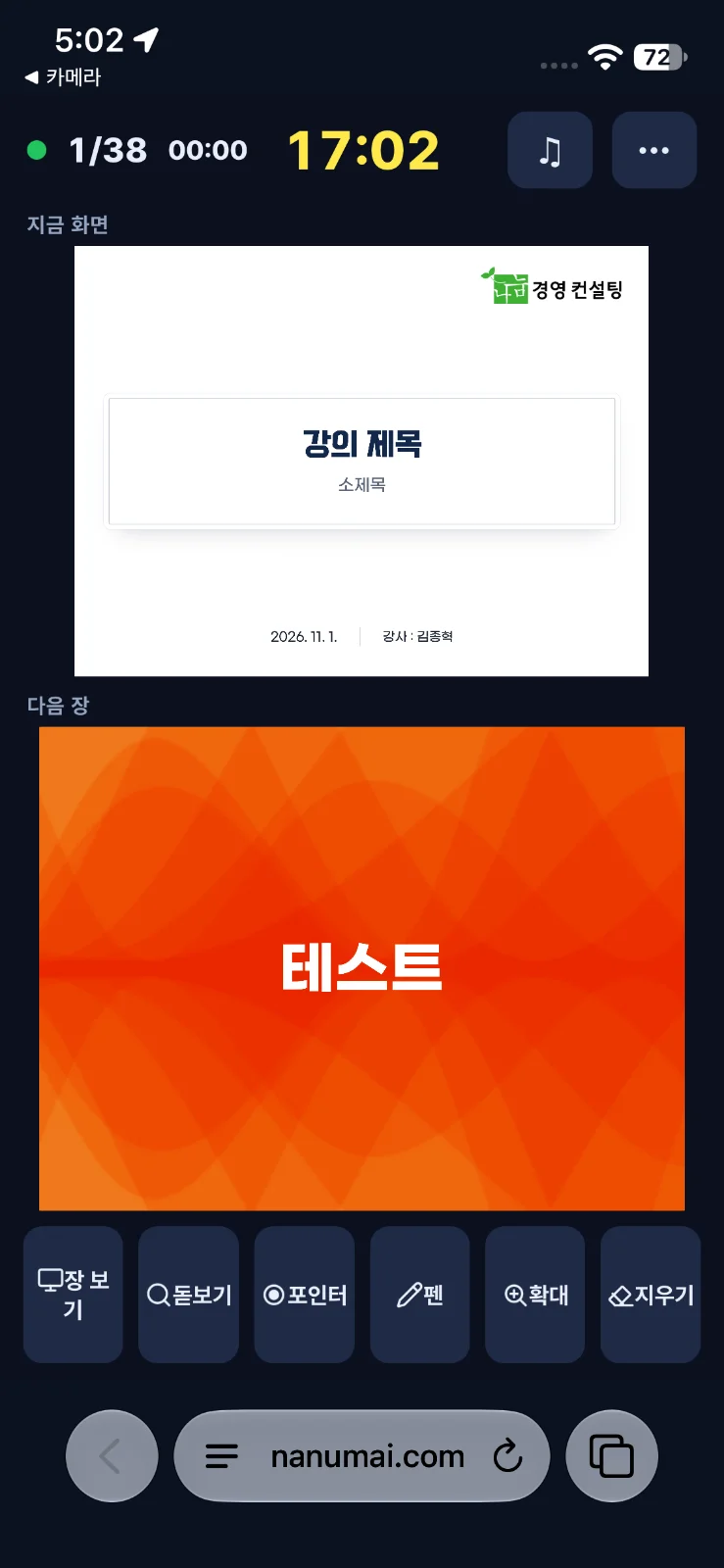
Building it turned out to be fun. I started out just trying to get around a restriction. But the more I built, the more I enjoyed adding, one by one, the features I had always wished PowerPoint and Keynote had. * Import Keynote and PowerPoint files and keep working with their animations * An entry QR code appears on the first slide, so trainees can join from their phones with no app to install * When trainees submit an exercise, the results show up on the slide as a live dashboard * When you reach an exercise slide, the exercise opens automatically * Advance slides from your smartphone as a remote, and point with a laser pointer and pen * Type a description and AI creates images and short videos and places them in your slides * Search 2,000+ icons in Korean and drop them in, and more
To be honest, it isn’t finished yet. I’m fixing, testing, and fixing again every day. It will get its first real-world test in a live session next week, and I’ll keep refining it based on what I learn.
My goal is to let instructors and training managers handle everything in one place, from preparing a session to running exercises and summarizing results. If you’ve ever struggled to bring course materials in because of security rules, or there’s a feature you wish your teaching tools had, please leave a comment. I’ll work on them one at a time. Explore Nanumai → nanumai.com