Office Work Automation with Claude Code: Vibe Coding for Professionals
No coding skills needed! Automate your work in plain language
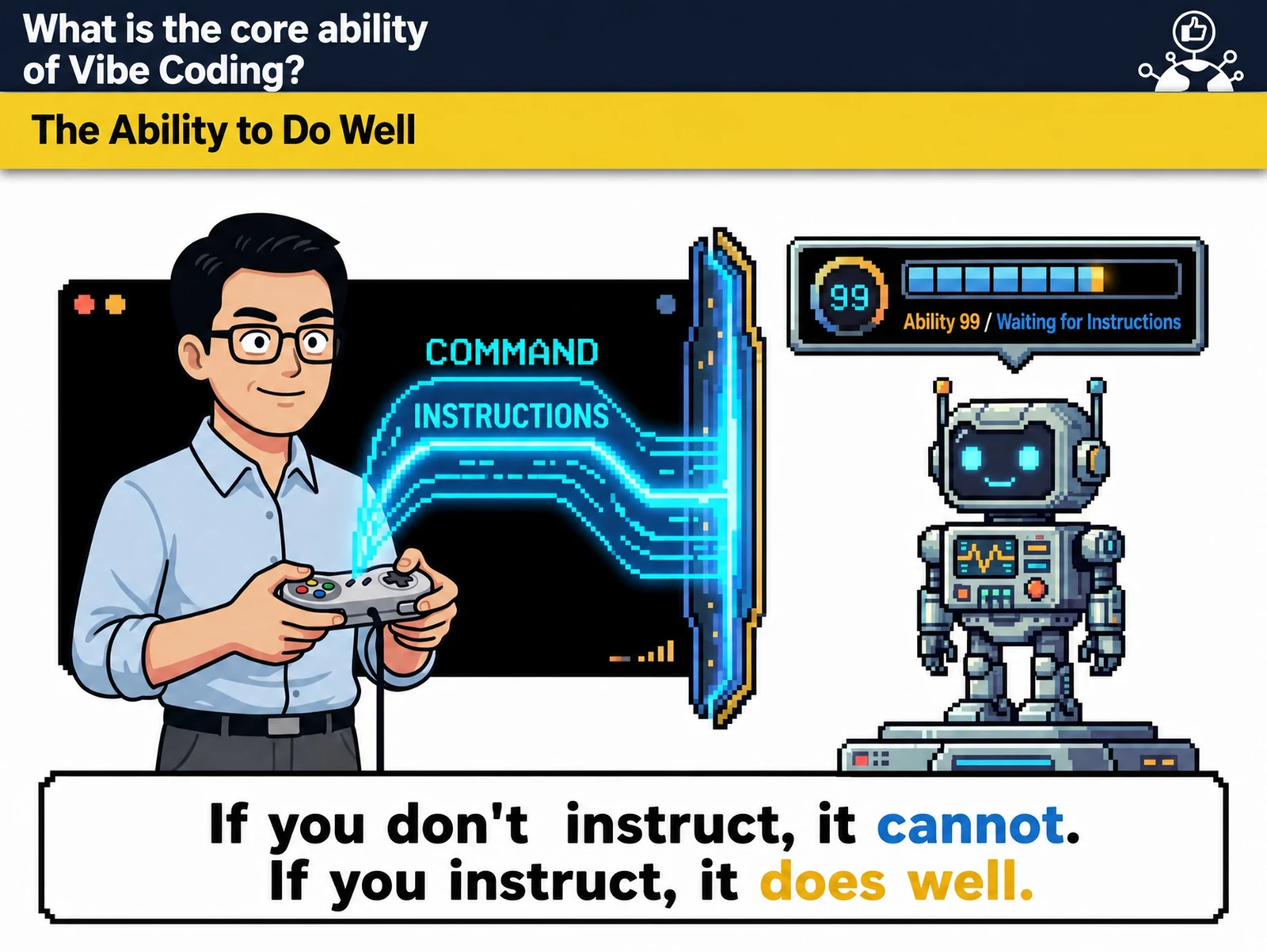
“Vibe Coding for Work Automation with Claude Code” is a 6-hour corporate training program in AI · IT education delivered by Nanum Consulting (CEO John Kim). No coding experience needed! Automate work in plain language. Key topics: spotting work improvement opportunities and workflows · the Claude ecosystem · coding basics and project structure · generating code from natural language · building a real-world automation project.
💻 Start learning this topic with an online course →Who is this course for?
This course is for practitioners and leaders at companies and institutions that are building AI and IT skills. We especially recommend it for organizations that want to automate work with Claude Code.
What will you learn?
- Work automation skills with Claude Code
Curriculum
- Analyzing current work processes: identifying 5 or more time-consuming repetitive tasks
- Mapping work workflows – tools to visualize time per step and bottlenecks
- Prioritizing tasks to automate – ROI analysis techniques and a feasibility matrix
- Setting personal work improvement goals: defining specific goals and metrics with the SMART method
- Reviewing team collaboration processes – assessing how efficient your communication channels and information sharing are
- Writing before-and-after automation scenarios – projected time savings and a plan for improving work quality
- Installing and configuring Claude Desktop: setting up a personal workspace and customizing your environment
- Exploring Claude Cowork collaboration features – hands-on with creating team projects, inviting members, and managing permissions
- Introduction to the Claude Code environment – hands-on with the code editor interface and live preview
- Workflow across all three tools – an integrated process from ideation to collaboration to development
- Understanding Claude model versions: performance of Opus, Sonnet, and Haiku and how to choose by use case
- Exploring API integration and extensibility: concepts for connecting external services and building automation pipelines
- Mastering basic Claude Code commands – core commands for creating, editing, running, and debugging files
- Designing the project folder structure – organizing HTML, CSS, and JavaScript files and modularization principles
- Rules for writing natural language commands: prompt patterns for conveying clear, specific requirements
- Code version control basics – safe development with change tracking, backups, and rollback
- Responsive web basics – design principles for layouts on mobile, tablet, and desktop
- Using open-source libraries – hands-on integration of popular libraries such as Bootstrap and jQuery
- Building a simple calculator web app – implementing arithmetic functions and UI design with natural-language commands
- Building a to-do list app – adding, deleting, and completing tasks by voice command
- Creating data visualization charts – building sales graphs with the Chart.js library
- Building a live clock and timer: implementing dynamic web components with JavaScript time functions
- Building a simple survey form: an interactive form with input validation and result storage
- Building a responsive portfolio page – a one-page site with a personal introduction and project gallery
- Developing a work schedule dashboard – a web app with individual task status and deadline reminders
- Customer inquiry auto-classification system – keyword-based categorization and assignee routing logic
- Sales report generator – link Excel data to build monthly performance charts and analysis reports
- Meeting room booking system – live availability and conflict-prevention logic
- Employee attendance monitoring – a dashboard that tracks clock-in/out times and analyzes work patterns
- Inventory alert system – a web tool with minimum stock settings and automatic reorder notifications
- Advanced Claude Cowork for team collaboration – code review, version syncing, and real-time co-editing
- Deploying your automation tools – hands-on free web hosting with Netlify and Vercel
- Writing user guides – manuals and tutorials your colleagues can easily follow
- Personal project demos and feedback: share your build process and results in 5-minute presentations
- Setting up monitoring for continuous improvement: collecting user feedback and planning performance optimization
- Building a future learning roadmap – a step-by-step plan around AI coding trends and your own skill development
Tools used in this course
Expected results / After the course
- Cut repetitive work by 80% and maximize efficiency
About the instructor

Related courses
Start with an Online Course
Before you book on-site training, preview the essentials of this topic in an online course.
An introductory hands-on course for building work tools that run on plain conversational instructions.
Use AI in your daily work, from lesson prep to content creation.
We tailor this course to your company
From diagnosis to execution — Nanum Consulting
FAQ

Office Work Automation with Claude Code: Vibe Coding for Professionals
No coding skills needed! Automate your work in plain language
- Work automation skills with Claude Code
- Cut repetitive work by 80% and maximize efficiency
- Analyzing current work processes: identifying 5 or more time-consuming repetitive tasks
- Mapping work workflows – tools to visualize time per step and bottlenecks
- Prioritizing tasks to automate – ROI analysis techniques and a feasibility matrix
- Setting personal work improvement goals: defining specific goals and metrics with the SMART method
- Reviewing team collaboration processes – assessing how efficient your communication channels and information sharing are
- Writing before-and-after automation scenarios – projected time savings and a plan for improving work quality
- Installing and configuring Claude Desktop: setting up a personal workspace and customizing your environment
- Exploring Claude Cowork collaboration features – hands-on with creating team projects, inviting members, and managing permissions
- Introduction to the Claude Code environment – hands-on with the code editor interface and live preview
- Workflow across all three tools – an integrated process from ideation to collaboration to development
- Understanding Claude model versions: performance of Opus, Sonnet, and Haiku and how to choose by use case
- Exploring API integration and extensibility: concepts for connecting external services and building automation pipelines
- Mastering basic Claude Code commands – core commands for creating, editing, running, and debugging files
- Designing the project folder structure – organizing HTML, CSS, and JavaScript files and modularization principles
- Rules for writing natural language commands: prompt patterns for conveying clear, specific requirements
- Code version control basics – safe development with change tracking, backups, and rollback
- Responsive web basics – design principles for layouts on mobile, tablet, and desktop
- Using open-source libraries – hands-on integration of popular libraries such as Bootstrap and jQuery
- Building a simple calculator web app – implementing arithmetic functions and UI design with natural-language commands
- Building a to-do list app – adding, deleting, and completing tasks by voice command
- Creating data visualization charts – building sales graphs with the Chart.js library
- Building a live clock and timer: implementing dynamic web components with JavaScript time functions
- Building a simple survey form: an interactive form with input validation and result storage
- Building a responsive portfolio page – a one-page site with a personal introduction and project gallery
- Developing a work schedule dashboard – a web app with individual task status and deadline reminders
- Customer inquiry auto-classification system – keyword-based categorization and assignee routing logic
- Sales report generator – link Excel data to build monthly performance charts and analysis reports
- Meeting room booking system – live availability and conflict-prevention logic
- Employee attendance monitoring – a dashboard that tracks clock-in/out times and analyzes work patterns
- Inventory alert system – a web tool with minimum stock settings and automatic reorder notifications
- Advanced Claude Cowork for team collaboration – code review, version syncing, and real-time co-editing
- Deploying your automation tools – hands-on free web hosting with Netlify and Vercel
- Writing user guides – manuals and tutorials your colleagues can easily follow
- Personal project demos and feedback: share your build process and results in 5-minute presentations
- Setting up monitoring for continuous improvement: collecting user feedback and planning performance optimization
- Building a future learning roadmap – a step-by-step plan around AI coding trends and your own skill development