
Re:catch
“B2B sales CRM” — your air traffic controller for turning inquiries into meetings
What is Re:catch?
Re:catch is a Korean-built B2B CRM. It routes website inquiries to the right owner and turns them into meetings, then tracks deal stages, meeting notes, and customer history in one place.
- 1It starts by connecting inbound inquiries to meetings
- 2Built around how Korean B2B sales works
- 3There is no free plan; you sign a team contract
What sets it apart
These are the differences we found by running the same material through several tools in our training sessions.
Never let an inquiry slip away
Website inquiries flow straight into rep assignment and meeting booking, and every follow-up after that builds up on the same customer card. Its strongest point is cutting down inquiries that sit unanswered in an inbox.
Set up the sales stages your way
You can customize the pipeline stages to match your company's sales process, and meeting notes and customer history attach to every stage. Conversion rates are tracked on the dashboard, so where deals keep getting stuck shows up in the numbers, not in anecdotes.
AI handles the research and record-keeping
It gathers public filings and recent news to summarize a client’s situation, drafts personalized emails from deal details, and summarizes meeting notes into the CRM. It takes over the two things sales teams put off most: pre-meeting research and record-keeping.
⚖️ The weaknesses are clear, too
There is no free plan, and even the lowest-priced Basic plan starts at KRW 200,000 (≈ US$150) per month (excl. VAT), so it is hard to use solo or to try out casually. Every sign-up button on the pricing page opens a sales inquiry, so you also cannot sign up and start using it the same day.
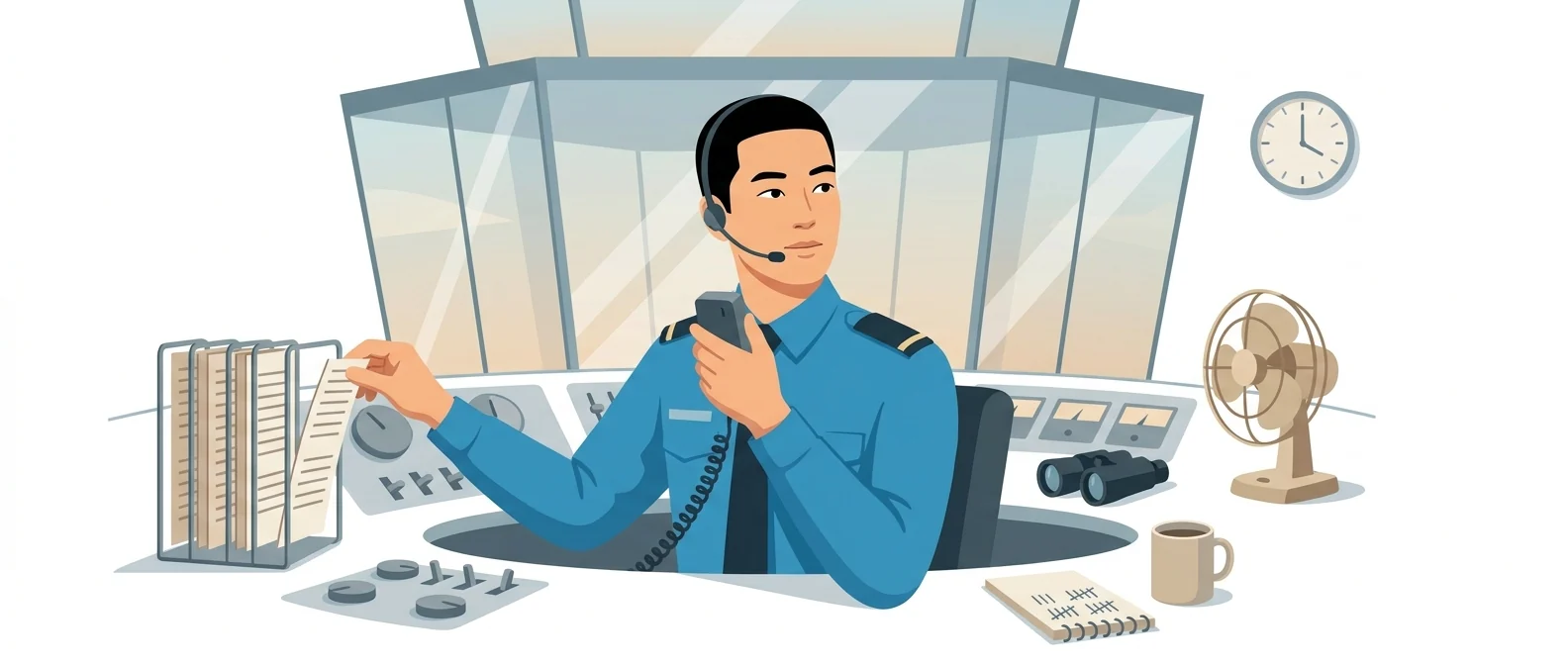
💡 In plain EnglishIt works like a control tower. In one view, you see which owner each incoming inquiry went to, when the meeting is set, and which stage it has reached.
In B2B, an inquiry goes cold quickly. If only people’s memories hold who responded and when, opportunities quietly slip away. Keeping every touchpoint in one place is revenue management.
Same job, different approach
Your website brings in three or four sales inquiries a day
The old way
- Inquiry emails pile up in one shared inbox
- People keep asking each other who replied
- Meeting dates live only on each person’s own calendar
- Three months later, no one knows why that company went quiet
With Re:catch
- Inquiries are assigned to an owner as they arrive
- Customers pick a time that works, and the meeting is booked
- Meeting notes and next steps stay on the customer card
- Conversion rates for each stage appear on the dashboard
Common uses
Inbound Inquiry Routing
It receives inquiries, hands them to the right rep, and carries them through to a meeting. If a response runs late, a reminder appears so the opportunity doesn’t go cold.
Deal stage review meeting
Review the pipeline screen together in your weekly meeting. You don’t need to build a separate report; the live status is your material.
Meeting notes cleanup
Meeting notes are summarized and attached to the customer card. Even when the owner changes, the next person keeps the context.
Who it’s for
Best for
- ✓B2B teams that get a steady flow of website inquiries
- ✓Teams with several salespeople whose records are scattered
- ✓Teams that want screens designed for Korean sales practices
Better served by other tools
- –Anyone working solo or looking to start on a free plan
- –Anyone whose main goal is sending bulk newsletters
- –Teams with only one or two salespeople, for whom a spreadsheet is enough
Can we use it at work?
The questions that adoption leads and security teams ask first.
Note: We could not confirm from official documentation where enterprise customer data is stored, how processing is delegated to third parties, or whether the AI features use external models. When evaluating adoption, check the vendor’s security materials and data processing agreement.
10-minute quick start
- 1
Submit an adoption inquiry at recatch.cc and share your team size and inquiry volume. They then set up a workspace for you.
- 2
Move the sales stages you use today straight into the pipeline, and keep the stage names in your company’s own words.
- 3
Connect your website inquiry form and set rules for which rep receives each incoming inquiry.
- 4
Start by loading just five active deals. Trying to move everything at once is the most common reason adoption stalls.
Copy-and-paste prompts
Replace only the [bracketed] parts, then paste it in.
Below are notes I took on a consultation call. Organize them in a format I can enter into the CRM: ① client situation in 3 lines ② problems we can solve ③ people involved in the decision ④ next actions and deadlines. Don’t make up anything that isn’t in the notes; mark it as 'Needs confirmation'.

[Paste notes]
Based on the meeting notes below, write a follow-up email to send to the contact. Organize it in this order: a 3-line summary of today’s discussion, what we will do, what the other party will confirm, and a proposal for the next meeting. Keep the tone polite but brief.

[Paste meeting notes]
The deal below has been stalled for [period]. Come up with 3 hypotheses for why it stopped, and for each, write one question that could verify it plus an email phrasing that asks that question naturally.

[Paste deal record]
We received the inquiry below through our website. Write the first reply, to go out within 24 hours. Keep our introduction short, and close with two questions to understand their situation and an invitation to pick a meeting time.

[Inquiry]
Below is this week’s deal list with stages. Turn it into a 3-minute briefing I can give at the meeting. ① Deals that moved this week ② Deals that need a decision this week ③ Deals that are stuck and need help. Keep each item to two lines at most.

[Paste deal list]
Using it with other tools
Linking two or three tools changes your work more than any single tool does.
Inquiry → Log → Reply
Deal news → customer newsletter
Before you start
- Don’t capture customer cards and paste them into an outside AI window. Names, contact details, and meeting notes are all personal data.
- Don’t send marketing emails to addresses collected in your CRM. Consent to a sales conversation is not consent to receive marketing.
- Adoption stalls when teams try to migrate every old file. Start with the deals in progress.
- Don’t take AI summaries at face value. Verify amounts, delivery dates, and contact names against the original records.
Pricing
Using it at work
Under 1,000 contacts. Core features including pipeline, meeting notes, and dashboard
1,000 to under 10,000 contacts. Permission separation and MCP integration. AI sales agent available as a KRW 240,000 (≈ US$180)/month option
The plan marked Popular on the official page. Includes the AI sales agent and unlimited custom permissions
For enterprises that need custom feature development, ERP integration, or tailored security. Pricing is listed as contact for a quote
Checked 21 Sep 2026 · Amounts in KRW as shown on Re:catch’s official Sales CRM pricing page; all exclude VAT. Prices are for monthly billing, with discounts listed for 1-year (20%), 2-year (25%), and 3-year (30%) commitments. Pricing can change without notice — check the official page before you pay. Re:catch Sales CRM pricing ↗
Agentic AI — the version that does the work itself
The plans include features that handle, inside the CRM, the chores sales teams always put off, such as researching accounts and logging activity.
AI Sales Agent
It gathers public disclosures such as revenue and headcount, along with recent news, to summarize each client’s situation. It writes personalized emails from deal information and automatically summarizes meeting notes to fill in CRM data.
- Nothing to install separately — you turn it on inside the Re:catch workspace.
- Add-ons go through an adoption inquiry — see “Contact Us for Adoption” on the official pricing page
MCP Integration
A connector that lets AI tools such as Claude pull in the CRM data stored in Re:catch directly. The official pricing page lists it as a new feature.
- You connect it in Re:catch’s settings. The adoption consultation walks you through the specific steps.
Setup steps and terms follow the official documentation. Re:catch Sales CRM pricing ↗
Re:catch limitations
We don’t just list the positives. Here is what fell short when we used it.
- Costs rise as soon as headcount does
The lowest plan includes three users, and each additional user adds KRW 64,000 (≈ US$48). In months when you grow the sales team, tool costs rise too, and you end up rewriting the approval request.
- With AI features, run the numbers again
On Standard, the AI sales agent is a separate add-on at KRW 240,000 (≈ US$180) per month; it is included only in the plan above. Budgeting from the plan price alone means adding costs back later, which is a drawback.
- The screen is ready, but people still have to fill in the records
Installing a tool won’t fill your pipeline on its own. Until logging right after calls and meetings becomes a habit, someone has to stay on top of it, so early adoption takes real effort.
Tools to compare
 Sales MapB2B sales CRM→
 HubspotCRM, marketing automation, sales automation→
 StibeeEmail newsletter creation and sending platform→
FAQ
Last updated 22 Sep 2026 · The ratings on this page come from John Kim, CEO of Nanum Consulting, who has used these tools firsthand in training and real work.
Re:catch, built on your team’s strengths
Send us a message and we’ll reply within 24 hours. We’ll propose a curriculum tailored to your industry and job roles.
Courses in this fieldAI-Powered B2B Marketing