Studio D-iD
“Create an avatar from a photo” — a magician who makes a single photo speak
What is D-ID Studio?
Studio D-iD turns a single portrait photo and a script into a video of that face speaking. When you need a short announcement or greeting without filming, it takes the least setup to get started.
- 1A single portrait photo becomes a talking video
- 2Well suited to quickly producing short announcements and greetings
- 3Get consent from the person in the photo before using it
What sets it apart
These are the differences we found by running the same material through several tools in our training sessions.
All you need is one photo
Other avatar tools usually require you to film and upload video from several angles. Here, a front-facing photo and a script are all you need to start. No filming equipment, no studio booking: you can see a result the same afternoon.
Fastest for short videos
For a 30-second briefing, a one-paragraph greeting, or a short explainer snippet, it needs the least manual work on short, simple videos. It suits announcements, greetings, and guidance that viewers watch once and move on from, rather than long lectures.
It can connect to presentations and external services
Beyond downloading finished videos as files, some plans offer an API and integrations for presentation materials. If you need to produce many videos in the same format, you can automate the workflow instead of making each one by hand.
⚖️ The weaknesses are clear, too
Because it animates a single photo, only the face moves slightly, and the awkwardness becomes more noticeable the longer the video runs. It isn’t suited to long training videos. Also, the price table on the official pricing page doesn’t display readably, so check the actual cost on the sign-up screen.
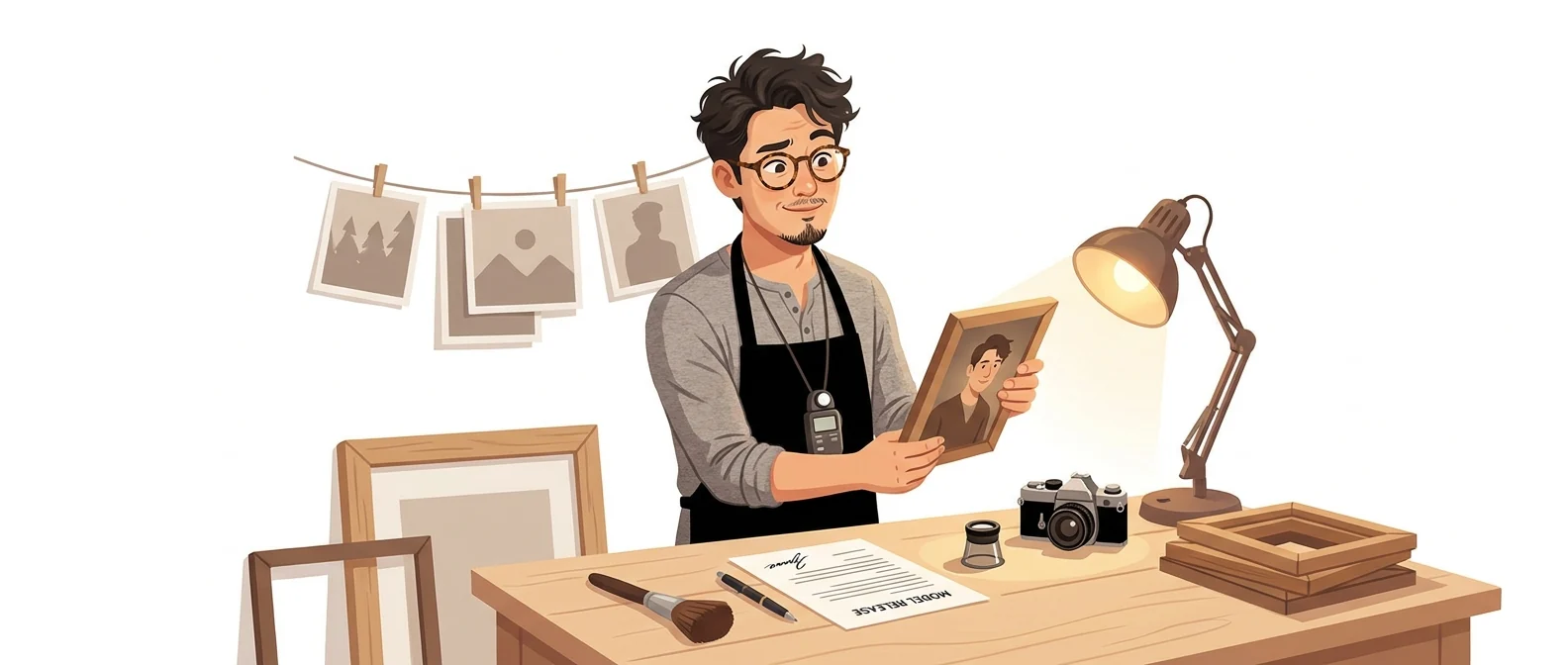
💡 In plain EnglishLike a magician who gives a framed photo a voice. A short line is impressive, but a long lecture is too much to ask of it.
This tool lowers the barrier to video production to a single photo, so it’s the lowest-risk way for your organization to try AI video for the first time. It is also the best example for teaching the principle that you must never use someone else’s face.
Same job, different approach
I need a 30-second announcement video for tomorrow morning’s notice
The old way
- There’s no footage, so you fall back on a written notice
- Many people don’t read it, so the same questions keep coming back
- Promise to film it next time, and move on
- Next month it goes out as a document again
With Studio D-iD
- Prepare one photo of the presenter and a 30-second script
- Get the person’s consent, then upload their photo
- Enter a script to create a talking video
- Attach the video to the top of the announcement and export it
Common uses
Short internal announcement videos
Make a 30-second briefing to go with a written notice. A notice people used to skip gets played at least once, and that alone changes how many people get the message.
Event and training greetings
Create a greeting from your CEO or a responsible executive without filming. Use only a photo of the person themselves, with their consent.
Narration over a presentation
Attach a short narration video to each slide to turn the deck into self-paced material. It works best when you write one snippet per slide.
Who it’s for
Best for
- ✓Managers who need a short briefing video fast, without a film shoot
- ✓Anyone who will stay within their own photo and their own voice
- ✓Anyone who wants to show their organization what AI video looks like
Better served by other tools
- –Anyone who wants to produce a full 30-minute training course
- –Anyone making videos that need emotional acting or body language
- –Anyone who needs to lock in a monthly cost before getting approval
Can we use it at work?
The questions that adoption leads and security teams ask first.
To confirm: check the official terms and pricing pages for how long uploaded face and voice data is kept, how to delete it, and what commercial use each plan allows.
10-minute quick start
- 1
Sign up at d-id.com and start with the free trial.
- 2
Get consent first from the person in the photo. It’s safest to test with your own photo first.
- 3
Choose and upload a front-facing photo with a neutral expression.
- 4
Make one video from a script that runs under 30 seconds, then split any awkward sentences into shorter ones and regenerate.
Copy-and-paste prompts
Replace only the [bracketed] parts, then paste it in.
Turn the notice below into an announcement script that can be read in 30 seconds. Keep each sentence under 20 characters and the whole script to 5 sentences or fewer. State what is changing in the first sentence and end with who to contact.

[Paste notice]
Write a 40-second greeting script to play at the start of [event name]. The speaker is [job title]. Follow this order: thank the attendees → one thing they should take away today → a brief closing request. Skip the clichés.
Write a 20-second narration script for each page of the presentation below, one script per slide. Don’t read out the text already on the slide; explain why the audience should care about that page.

[Paste slide content]
Rewrite the script below so it reads well aloud. Break up any sentence longer than 25 characters, replace English abbreviations and formal Sino-Korean terms with plain words, and spell out numbers the way they are read.

[Paste script]
Write a consent confirmation notice to collect before making AI videos from employee photos. It must state which photos are used and where, how long they are kept, and that consent can be withdrawn at any time, and it should fit on one page.
Using it with other tools
Linking two or three tools changes your work more than any single tool does.
Notice → 30-second video (30 minutes)
Presentation → self-paced material (half a day)
Before you start
- Never use a face or voice without the person’s consent. Photos of celebrities, partner executives, or customers are off-limits for any reason.
- Don’t hide that the video was made with AI. If you pass it off as real footage, the whole message will be doubted.
- Long videos start to feel unnatural. Results are better if you keep clips to about 30 seconds.
- The pricing is split into credits and minutes. Before you pay, work out how many minutes you need per month.
Pricing
The official guide says you can try it first on a free trial plan. However, check the sign-up screen yourself to see how much you can create during the trial.
Please check this tool’s pricing directly on the official page. We do not list amounts we have not verified.
Where D-ID Studio falls short
We don’t just list the positives. Here is what fell short when we used it.
- Korean lip-sync is off
When it reads a Korean script, mouth movements and sound look out of sync on words with many final consonants. It isn’t ideal to use as is, so add subtitles to be safe.
- Results depend on the source photo
Unless the photo is bright and front-facing, the face looks shaky or blurred. You may have to try several photos before you get a usable result.
- No Korean-language guidance
The interface and help docs are in English, so finding the voice and script settings takes time, and there is no Korean-language support desk to turn to when you get stuck. Making your first video takes the longest.
Tools to compare
 HeygenAvatars, dubbing in 175+ languages→
 SynthesiaBuilt for corporate training, avatars, dubbing→
 CapCutUnmatched convenience→
FAQ
Last updated 22 Sep 2026 · The ratings on this page come from John Kim, CEO of Nanum Consulting, who has used these tools firsthand in training and real work.
D-ID Studio, built on your own team’s skills
Send us a message and we’ll reply within 24 hours. We’ll propose a curriculum tailored to your industry and job roles.
Course covering this toolVideo Production with AI