
Synthesia
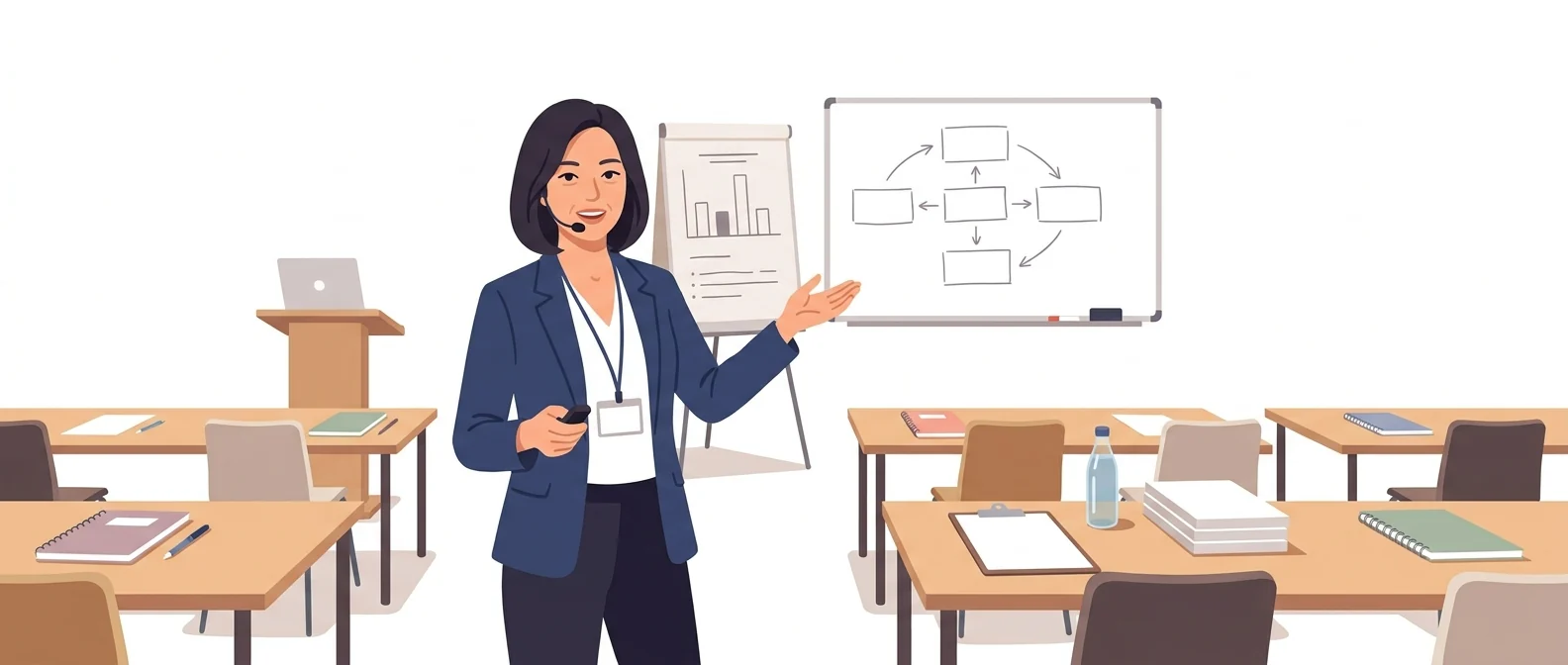
“Built for corporate training: avatars and dubbing” — the full-time instructor who holds down your in-house training room
What is Synthesia?
Synthesia turns a script into a video of an avatar presenter speaking. It is built for corporate training videos that play the same content repeatedly, such as statutory mandatory training or new-hire onboarding.
- 1Make training videos from a script alone and update them easily
- 2State explicitly that customer data is not used for AI pre-training
- 3Try it free with up to 10 minutes of video per month
What sets it apart
These are the differences we found by running the same material through several tools in our training sessions.
Revisions become easy
The real burden of in-house training videos isn't making them but remaking them every time a regulation changes. Since the script is the video, you just edit the changed paragraph and render it again. There's no need to reschedule a shoot or rebook an instructor.
A data policy built with enterprise adoption in mind
Official documentation states that customer data (inputs and outputs) is not used for AI pre-training. The exception is when you consent and create your own avatar. A strength is that the item your information security team asks about first during an adoption review is already documented.
Consent can’t be skipped
Creating a personal avatar requires a consent video recorded live on the spot; uploading a pre-recorded file is not accepted. Synthesia states that if the person withdraws consent, all of their data and likeness are deleted. This is an important safeguard for organizations that use employees’ faces.
⚖️ The weaknesses are clear, too
The free and lower-tier plans cap video length at 10 minutes a month, which runs out quickly if you want to produce a full training course. Avatars excel at calm explanations but don’t suit scenes that need on-site energy, and Korean intonation sounds more awkward the longer the sentence gets.
💡 In plain EnglishLike a full-time instructor who can deliver the same content at the same quality anytime. Edit the script and it teaches the lesson again exactly as written.
Recurring courses such as statutory mandatory training, information security, and safety change a little each year. When the cost of redoing them drops, training managers spend their time on content quality instead of shoot schedules.
Same job, different approach
You need to re-run this year’s revised statutory mandatory training for all employees
The old way
- Last year’s video plays until it hits a clause that has since changed
- Rebook the instructor and the studio
- Filming and editing take two weeks
- Overseas subsidiaries get documents instead, because there’s no budget
With Synthesia
- Update only the clauses that changed since last year’s script
- Regenerate with the same avatar and voice
- Review only what changed, then distribute
- Create other-language versions from the same script
Common uses
Statutory mandatory training and compliance training
Manage courses whose requirements change every year, one script at a time. With each revision, you swap in only the paragraphs that changed, so producing updated versions becomes routine work.
New-hire onboarding
When employees join on different dates, it is hard to run the same orientation every time. Turn it into a video, and each person can watch it on their first day.
For overseas subsidiaries and non-Korean-speaking employees
Create the same training in other language versions and send it to overseas subsidiaries. Completion rates are easier to manage than when you only send translated documents.
Who it’s for
Best for
- ✓Training managers who must repeatedly produce internal training that is revised every year
- ✓Organizations that must pass an information security review before adopting a tool
- ✓Companies that want to use employees’ faces but must keep a clear record of consent
Better served by other tools
- –Anyone who wants promotional or event videos with a real on-location feel
- –Anyone who needs far more than 10 minutes of video a month at a low cost
- –Anyone who only needs editing or subtitles for video that is already shot
Can we use it at work?
The questions that adoption leads and security teams ask first.
Note: Before rolling it out company-wide, verify the data storage location, deletion procedures and certifications against Synthesia’s official security and governance documents.
10-minute quick start
- 1
Sign up at synthesia.io. The free Basic plan lets you create up to 10 minutes of video a month.
- 2
Create a 1-minute test video with a default avatar and a Korean voice.
- 3
Paste in a paragraph of a real training script, find where the pronunciation sounds awkward, and break those sentences into shorter ones.
- 4
If you plan to create employee avatars, start by confirming the consent video process and getting internal approval.
Copy-and-paste prompts
Replace only the [bracketed] parts, then paste it in.
Turn the policy below into a script for a 5-minute internal training video. Structure: 30-second intro (why employees should watch) → 3 main points → 2 closing quiz questions. Keep every sentence under 25 characters, and add a plain-language explanation next to each legal term.

[Paste policy]
Compare last year’s script with this year’s revisions and mark only the paragraphs that need changing. Rewrite changed paragraphs as new sentences, and for paragraphs that need no changes, just write 'unchanged'.

[Last year’s script]

[This year’s revisions]
Write a 10-minute orientation script for a new hire who starts at [Company Name] today and will watch it on their own. Instead of walking through the org chart, focus on 'who you will meet and what you will do in your first week.' Spell out any hard internal acronyms the first time they appear.
When reading this script, go a little slower than normal and pause for a beat at each new item. Read [highlighted phrase] clearly and distinctly, and keep the overall tone confident and calm. Smile only in the intro and the closing.
Translate the training script below into [English/Vietnamese]. Don't translate literally; make it sound natural to local employees, and give the original name of any Korean statute in parentheses. Keep the length similar to the original.

[Paste script]
Using it with other tools
Linking two or three tools changes your work more than any single tool does.
Course materials → training video (half a day)
Slides → e-learning (in a day)
Before you start
- Never use a face or voice without the person’s consent. Even for employee avatars, document the scope of use, retention period, and how to withdraw consent.
- Free and lower-tier plans give you 10 minutes a month. If you plan to build a whole course, work out the total length before you start.
- Long sentences lose their intonation. For training scripts, keep each sentence short.
- Don’t pass off avatar videos as footage of a real instructor. Trust in your training comes first.
Pricing: personal use and work use
Plans that individuals pay for are different from plans that organizations contract for by member.
For individual use
10 minutes a month (1,200 credits), 1 editor
10 minutes/month (120 minutes/year with annual billing), 1 editor + 3 guests
30 minutes/month (360 minutes/year with annual billing), 1 editor + 5 guests
Using it at work
No video length limit; editor and guest seats configured to fit
Checked 21 Sep 2026 · Prices are the US dollar amounts shown on the official pricing page. Taxes and currency may vary by country. Prices change without notice — check the official page before you pay. Synthesia pricing (official) ↗
Where Synthesia falls short
We don’t just list the positives. Here is what fell short when we used it.
- Every fix means waiting again
Even a one-sentence script change means regenerating and re-downloading the whole video. For internal training materials that go through several rounds of review, this back-and-forth eats up a lot of time.
- You end up leaning toward annual billing
On monthly plans, your video minutes run out quickly, and the more generous terms are tied to annual billing. A plan to make just a video or two turns into a decision about paying for a full year.
- Choosing an avatar takes time
Finding an avatar that fits the feel of your training room means scrolling through the list for a long time. You often end up settling for the safest option and moving on.
Tools to compare
 HeygenAvatars, dubbing in 175+ languages→
 Studio D-iDCreate avatars from a photo→
 TypecastBuilt for Korean dubbing→
FAQ
Last updated 22 Sep 2026 · The ratings on this page come from John Kim, CEO of Nanum Consulting, who has used these tools firsthand in training and real work.
Synthesia, powered by your own team
Send us a message and we’ll reply within 24 hours. We’ll propose a curriculum tailored to your industry and job roles.
Course covering this toolVideo Production with AI