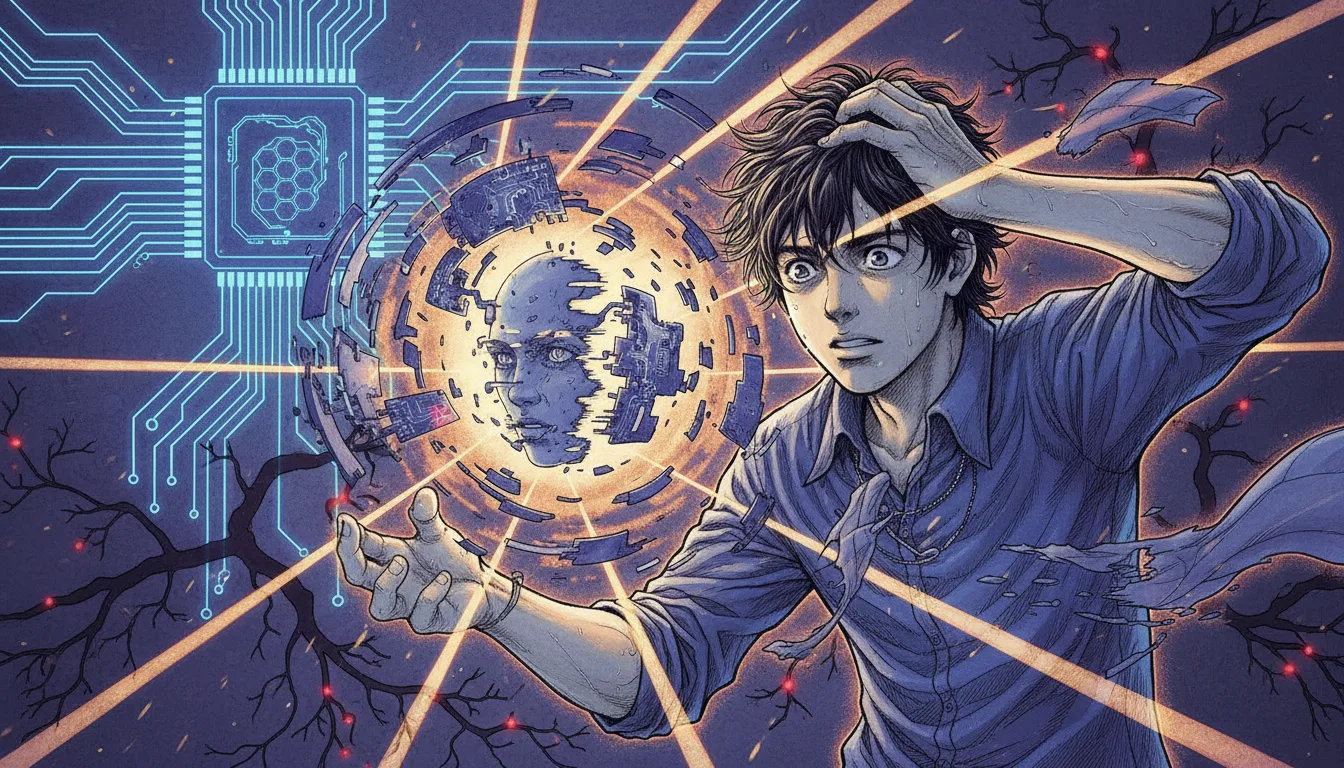
What Is an AI Hallucination?
An AI hallucination is when a generative AI confidently produces information that looks factual but is actually wrong. For example, if you ask ChatGPT, "What was Samsung Electronics' revenue in Q3 2024?", it may answer with figures that don't exist, as if they came from an official announcement.
Why Do We Call It a “Hallucination”?
When a person hallucinates, they see or hear things that aren't really there. AI does something similar: it generates content that isn't in its training data or is simply untrue, as if it were real. The problem is that instead of saying "I'm not sure," AI tends to wrap false information in plausible-sounding sentences.
Why Hallucinations Are Risky at Work
When to use it | What Hallucinations Can Cause |
|---|---|
Writing B2B proposals | Fabricated figures such as competitor revenue or market size → lost credibility |
Replying to customer emails | Mentioning product features that don't exist → customer complaints |
Writing internal reports | Fake statistics or citations → bad decisions |
Reviewing contracts | Misinterpreted legal provisions → legal risk |
According to a McKinsey (2024) report, about 64% of business professionals said they had used a generative AI answer as-is, without any separate verification.
Step 1: Understand Why AI Hallucinations Happen
To prevent hallucinations, you first need to understand why they happen. AI is not a "machine that looks up facts"; it is **"a machine that predicts the most probable next word."**
3 Core Principles
1. Probability-based text generation
Given the sentence "The capital of Korea is," AI predicts the next word by probability
It doesn't judge whether something is true; it follows the patterns that appeared most often in its training data
So in areas where training data is thin or ambiguous, it produces answers that are "plausibly made up"
2. Limits of training data
ChatGPT-4o's training data has a cutoff date (early 2024)
For recent news, real-time stock prices, or new regulations, it answers as if it knows, even though it can't
Korean-language data is relatively scarce compared with English, so hallucinations are more frequent for Korea-related information
3. A design that "can't say no"
AI is designed to be helpful with whatever the user asks
Rather than answering "I don't know," it has a strong tendency to generate something
This is the single biggest cause of hallucinations
The 5 Areas Where Hallucinations Happen Most
Specific figures — revenue, market share, statistics
Information about people — careers, quotes, publications
Laws and regulations — article numbers, effective dates, details
Academic sources — paper titles, authors, publication years
Recent events — latest news, personnel changes, new product launches
💡 Practical tip: If an AI answer includes specific numbers, dates, names, or sources, suspect a hallucination first. The more specific it is, the more it needs verifying.
Step 2: Bad Prompts That Trigger Hallucinations vs. Good Prompts That Reduce Them
Even with the same AI, how you ask makes a big difference in how often it hallucinates. This step compares Before/After prompts across real work scenarios.
Scenario A: Writing a Market Research Report
Before (a prompt that invites hallucination):
Tell me the size and growth rate of the Korean B2B SaaS market. Include market share by major player.
Ask this way, and the AI will confidently generate figures that don’t exist
You get fake data like “The Korean B2B SaaS market in 2024 was about KRW 4.2 trillion (≈ US$3,142,301,400)…”
After (a prompt that prevents hallucination):
I want to analyze the Korean B2B SaaS market. Follow these rules:
Mark any figure you are not sure about as “needs verification”
Cite a source for every figure (report name, organization, year published)
If you don’t know the source, say so honestly with “source unverified”
When estimating market size, explain the evidence and assumptions you used
This makes the AI far more likely to give answers that acknowledge its own limits
Reports suggest hallucination rates drop by about 40–60% (Stanford HAI, 2024)
💡 Pro tip: Just adding one line to your prompt, **“If you don’t know, say you don’t know,”** cuts hallucinations significantly.
Scenario B: Summarizing client information
Before:
Summarize ABC Company’s recent performance and key business strategy.
After:
Summarize what you know about ABC Company. Follow these principles:
State your training data cutoff first
Clearly separate confirmed facts from speculation
Whenever you mention performance figures, always add a “needs verification” tag
List the items I need to check separately
💡 Pro tip: If you tell the AI to separate “confirmed facts” from “speculation” in its answer, you can see at a glance which parts need fact-checking.
Scenario C: Mentioning features/specs when drafting an email
Before:
Write an intro email to send to customers that includes the strengths of our company’s CRM solution.
After:
Draft a customer intro email based on the product information below. Never add any feature or spec that isn’t in this information.
[Product name]: CloudCRM Pro
[Key features]: Lead management, pipeline visualization, automated email sequences
[Number of customers]: 350 companies
[Price]: KRW 50,000 (≈ US$37) per user per month
[Awards]: 2024 Korea SW Awards, Excellence Prize
Use only the information above, and mark anything that needs more information as [needs verification].
Before: The AI adds features that don’t exist on its own (such as “AI-powered sales forecasting”)
After: The email is built only from the facts provided, cutting the chance of hallucination by over 90%
💡 Pro tip: **Copy & paste** your reference material directly into the AI and state “use only this information.” It dramatically reduces hallucinations.
Step 3: A practical fact-checking routine to catch hallucinations
No matter how good your prompt is, it is impossible to prevent hallucinations 100%. So after you get an AI answer, you need a habit of fact-checking it.
3-1. The 5-minute fact-check checklist
When you get an AI answer, run through this checklist in order:
Check the numbers: Does it include figures such as revenue, market size, or percentages? → Cross-check against the original source
Check the people: Does it mention a specific person’s statements, career, or title? → Verify on LinkedIn or an official profile
Check the sources: Does it cite a paper, report, or article? → Search for the URL directly to confirm it actually exists
Check the timeframe: Does the text use words like "recently," "currently," or "this year"? → Compare against the AI's training-data cutoff
Check for common sense: Does anything strike you as "too good to be true"? → Be skeptical and cross-verify
3-2. Cross-Checking AI with AI
Method 1: Ask a different AI the same question
Copy the answer you got from ChatGPT
Go to Google Gemini (gemini.google.com)
Enter a prompt like the one below:
Fact-check the claims in the text below. Rate each claim as "Accurate," "Inaccurate," or "Unverifiable," and explain your reasoning.
[Paste the ChatGPT answer here]
Where the two AIs' answers agree, confidence is relatively higher
Always verify any discrepancies yourself with a direct search
Method 2: Make the AI doubt its own answer
Right after ChatGPT gives you an answer, ask a follow-up in the same chat:
Point out any parts of your last answer that may be hallucinations. Focus especially on specific figures, names, and sources.
With this approach, the AI often admits on its own that **"this figure may not be accurate"**
Adding a self-check prompt improves the accuracy of the final answer by about 25–35%
💡 Pro tip: When you use AI for important business documents (proposals, reports, contracts), always go through four steps: **"generate → self-check → cross-check → manual verification."**
3-3. A Bookmark List for Quick Manual Verification
Save the sites below to your browser's bookmarks bar to cut fact-checking time significantly:
What to verify | Recommended search tools |
|---|---|
Company performance and financials | DART (Korea's electronic disclosure system), Naver Finance |
Market size and statistics | Statistics Korea KOSIS, Statista |
Laws and regulations | Korea Law Information Center (law.go.kr) |
Papers and academic sources | Google Scholar, RISS |
News and current events | Naver News search, Google News |
People information | LinkedIn, the company's official website |
Step 4: Apply Hallucination-Prevention Workflows to Your Own Work
4-1. B2B Proposal Writing Workflow
Step 1 — Manually collect the facts first that your proposal needs (client information, market data, your company's track record)
Step 2 — Paste the collected data into ChatGPT and ask it to structure it:
Below is the source data for a proposal our company will submit to client ABC. Using only this data, draft the "Market Overview" section of the proposal. Never add anything that isn't in the data, and mark any spot where more information is needed with [DATA NEEDED].
[Market size]: Korea's cloud market is KRW 12.8 (≈ US$1) trillion, per the IDC Korea 2024 report
[Growth rate]: 18.5% year-over-year growth
[Competitor landscape]: Company A (23% share), Company B (18% share), our company (12% share)
[Client challenge]: Legacy system modernization, shortage of IT staff
Step 3 — Check line by line that the figures in the generated draft match the source data
Step 4 — Research any section marked [DATA NEEDED] further
Before (the old way): Ask the AI to “write a cloud market proposal” → a proposal full of fabricated figures → credibility lost in front of the client
After (the improved way): Enter verified data → the AI structures it → manual cross-check → an accurate proposal
Result: Average proposal revisions fell from 3.2 to 0.8, and drafting time dropped by 40%
4-2. Weekly Work Report Workflow
Step 1 — Jot down the week’s work as keywords in a notepad (e.g., “Mon – meeting with Client A, Tue – sent proposal v2”)
Step 2 — Enter the keywords into the AI and ask it to turn them into full sentences
Step 3 — Check that any modifiers or performance figures the AI added match what actually happened
💡 Practical tip: AI often inserts achievement claims on its own, such as “contributed to a 15% sales increase.” Always enter quantitative results yourself.
Step 5: 7 Golden Rules to Prevent Hallucinations
Post these rules next to your desk and follow them whenever you use AI at work:
🔍 Doubt every number — Figures from AI are a “draft” by default, not “fact”
📋 Prepare the source data first — Don’t say “find it for me”; say “organize this for me”
🚫 Always add “If you don’t know, say you don’t know” — This one sentence significantly lowers the hallucination rate
🔄 Make self-check prompts a habit — “Point out the parts of your answer that could be wrong”
⚖️ Cross-check with two or more AIs — ChatGPT + Gemini, or ChatGPT + Claude
📌 Don’t accept claims without sources — Verify that the sources the AI cites actually exist
✅ A human always does the final review — AI is a drafting tool, not the final approver
Step 6: Create a Team-Level AI Usage Guideline
To raise the quality of AI use across the whole team, not just individual habits, you need a simple guideline.
Team Guideline Template (ready to use)
[Our Team’s AI Usage Principles]
Label all AI-generated content with an “AI-assisted” tag
Figures in documents sent externally (proposals, emails, reports)
must be accompanied by their original sources
The author of a document is responsible for fact-checking the AI’s answers
Never enter sensitive information such as client names, amounts, or contract terms into AI
Share any new hallucination cases you find in the team channel
How to put it into practice
Create an
#ai-fact-checkchannel in Slack/TeamsWhenever you spot an AI hallucination, share a screenshot plus the correction
Review hallucination cases at a monthly team meeting and discuss how to improve prompts
Before: Each team member used AI at a different level, and documents containing hallucinations were sent outside the company
After: Error rate in AI-related documents down 72% once a unified guideline was applied (average among companies that adopted guidelines, Deloitte 2024)
Summary: A Practical Checklist for Preventing AI Hallucinations
Step | Key action | Turnaround |
|---|---|---|
Before asking | Prepare source data + include “If you don’t know, say you don’t know” | 2 min |
Writing prompts | Ask for sources + separate facts from guesses | 1 min |
After receiving the answer | Run the self-verification prompt | 1 min |
Cross-check | Compare against another AI or a search engine | 3 minutes |
Final check | Manually compare figures, names, and sources against the originals | 3 minutes |
Total | About 10 minutes |
Those 10 minutes spare you hours of cleanup from bad information, and the loss of customer trust that comes with it.
AI is a powerful partner in our work, but responsibility for the final call always rests with people. Understand why hallucinations happen, use the right prompts, and build a habit of systematic verification — you get the productivity gains of AI while keeping the risks to a minimum.
💡 Start today: The next time you ask AI a work-related question, add just one line at the end of your prompt: *"Mark anything you’re not sure about as ‘needs verification.’"* That alone will noticeably improve the quality of what you get from AI.