
Perso AI
“Auto-translate dubbing” — an interpreter that takes your whole video and swaps in another language
What is Perso AI?
Perso AI is a video dubbing tool from ESTsoft. Upload a video and it recognizes the speech, translates it, and handles foreign-language dubbing in the original speaker’s voice, with lip sync, in one step.
- 1Upload one video and translation, dubbing, and lip-sync happen in one flow
- 2The key is carrying over the original speaker’s voice
- 3It automatically detects and separates multiple speakers
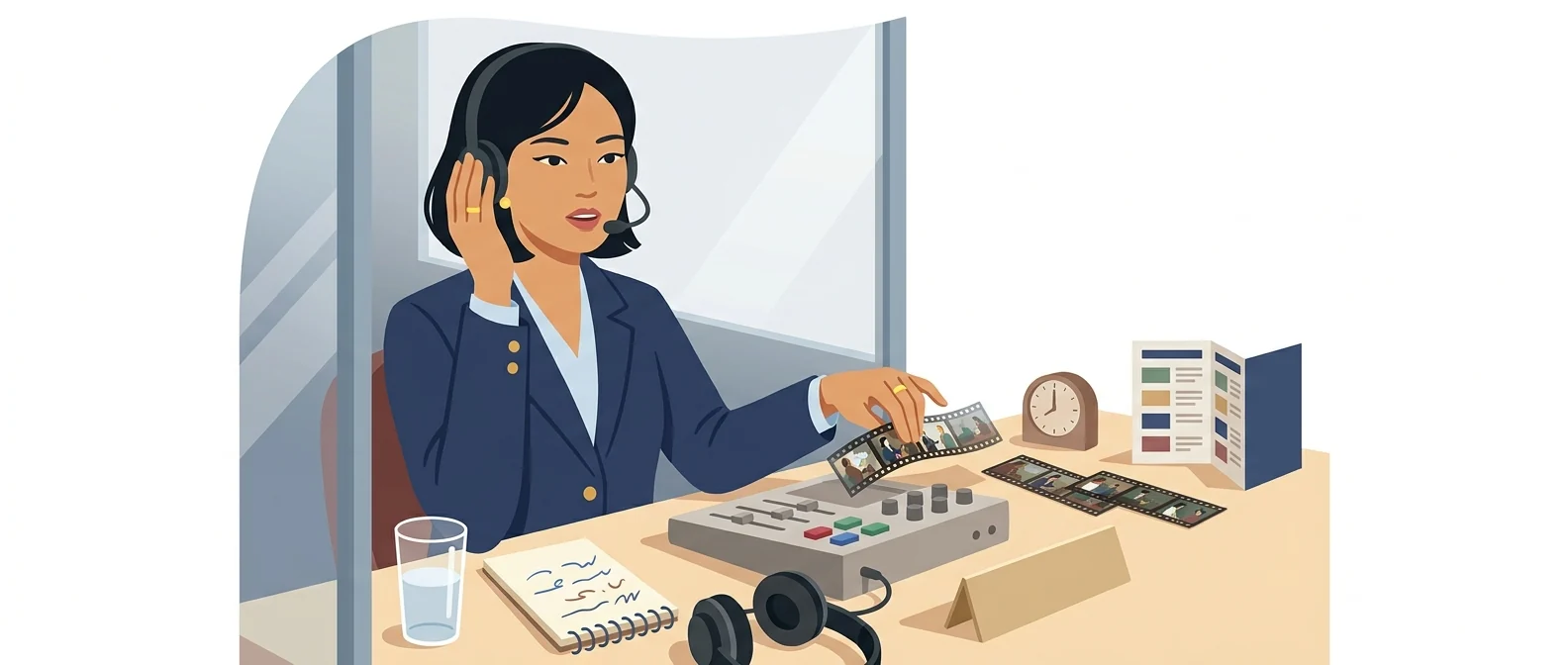
What sets it apart
These are the differences we found by running the same material through several tools in our training sessions.
The voice stays the same
Typical dubbing swaps in an unfamiliar voice actor, but Perso keeps the original speaker’s own voice and has it speak the foreign language. Its official materials put voice-cloning accuracy at around 98%. It suits content where 'who is speaking' matters, such as a CEO greeting or an instructor video.
Lip movements match too
It re-matches the on-screen mouth movements to the translated audio. When sound and lips are out of sync, viewers notice the mismatch before the content, but with lip-sync, the video looks like an original, not a 'translated version.' Intro and training videos look noticeably more polished.
It handles videos with multiple speakers too
According to the official guide, it automatically distinguishes up to 10 speakers in a single scene. Even videos with back-and-forth speech, such as interviews or panel talks, get separate voice processing for each person. You can edit the auto-generated script and dub again, which makes it easy to fix terms that came out wrong.
⚖️ The weaknesses are clear, too
The tool works by cloning the original speaker’s voice, so uploading someone else’s video without their consent is a problem in itself. Pricing is usage-based, so running long videos through several languages drives up cost quickly, and a person still needs to review translations of technical terms and proper nouns.
💡 In plain EnglishIt is less like an interpreter who just adds subtitles, and more like one who re-speaks the presenter’s words in a foreign language in the presenter’s own voice.
Companies with overseas subsidiaries or foreign employees used to have to re-shoot the same training video for every language. If one original can yield versions in many languages, the lifespan and reach of your training content change dramatically.
Same job, different approach
You need to send headquarters training videos to your Vietnam and Indonesia subsidiaries too
The old way
- Hand the script to a translation agency and wait for a quote
- You have to book a separate voice actor for each language
- The voice changes, so add a note explaining 'who is speaking'
- It reaches the local subsidiary a month later
With Perso AI
- Upload the original video and choose the target language
- Fix only the internal terms in the auto-extracted script
- Get foreign-language versions in the CEO’s own voice
- Send it as is to the local subsidiary the same week
Common uses
Training videos for overseas subsidiaries
Turn safety and compliance training videos made at headquarters into local-language versions. The instructor’s voice is preserved, so the tone stays consistent across the whole series.
Multilingual versions of a product intro video
Turn one intro video made for the Korean market into several language versions for export sales meetings. Attach them directly to a trade show booth page or a buyer email.
CEO and executive message videos
Deliver a New Year’s address or founding anniversary greeting to local employees in the same voice. It is best to check the script first and refine the wording.
Who it’s for
Best for
- ✓Anyone who needs to send the same video to overseas subsidiaries or non-Korean employees
- ✓You work with videos where the speaker’s voice and face matter
- ✓You want to reuse video assets you have already made
Better served by other tools
- –Anyone who only needs a new Korean narration
- –You only make short announcement voiceovers
- –People handling material where the original speaker’s consent is hard to get
Can we use it at work?
The questions that adoption leads and security teams ask first.
Note: Check the official terms for how long uploaded material is retained, whether it is used for training, and how speaker consent is verified. Also recheck the annual-billing discount at the time of purchase.
10-minute quick start
- 1
Sign up at perso.ai and open the AI Dubbing screen.
- 2
Upload the video you want to dub, or paste its URL.
- 3
Choose the target language and a script is generated automatically. Correct internal terms and proper nouns first.
- 4
Preview the dubbed result and check the lip sync before you download it.
Copy-and-paste prompts
Replace only the [bracketed] parts, then paste it in.
Original: [In-house safety training, Episode 3] · Length: [8] minutes · Speakers: [2] (1 instructor, 1 site manager)
Target languages: [English], [Vietnamese]
Note: Do not translate the company name [Company name] or the product name [Product name]; keep them in the original language. Do not paraphrase safety-related sentences.
Please fix the following in the auto-generated script.
1) [internal abbreviation] → [spelled-out term]
2) Use local formats for numbers and units ([meters]/[feet], etc.)
3) Match the tone of our internal announcements
4) If a line is longer than its screen time, split it into two lines
Original: [Product name] intro video, [3] minutes (Korean)
Target languages: [English], [Japanese], [Indonesian]
Use: Screening at overseas trade show booths and attaching to buyer emails
Request: Keep product and model names in the original language, and standardize the closing line as “Please contact us for more details.”
Source: [CEO name] New Year greeting, [2] min
Target languages: [English], [Chinese]
Request: Keep the speaker’s voice and translate in a formal written register. Use the official English wording for the company vision statement [vision statement].
Confirmation: Speaker’s consent form for use of their voice and image received
Content: [internal training] episodes 1–6, about [10] min each
Target languages: [English] first, [Vietnamese] second
Rules: Keep terminology consistent across episodes (see [term list]); keep the intro and outro wording identical in every episode
Review: After each episode is dubbed, a local manager checks the script before moving on to the next
Using it with other tools
Linking two or three tools changes your work more than any single tool does.
Domestic video → overseas subsidiary training
Multilingual intro videos, built from the script up
Before you start
- Cloning a voice without the speaker’s consent is prohibited. Uploading someone else’s YouTube video, or employee footage without consent, to transfer their voice violates their image and voice rights.
- Never publish an auto-translated script as is. A person must check internal abbreviations, product names, and legal terms.
- Pricing is per minute, so costs climb quickly when you run a long video in several languages. Test with a short clip first.
- Poor source audio means poor results. If a recording is noisy, clean up the audio before you upload it.
Pricing: personal use and work use
Plans that individuals pay for are different from plans that organizations contract for by member.
For individual use
One free generation
420 credits per month (7 minutes of dubbing), up to 3 minutes per video
2,400 credits per month (40 minutes of dubbing), up to 15 minutes per video
10,800 credits per month (180 minutes of dubbing), up to 30 minutes per video, 4K export
Using it at work
Custom credits, up to 60 minutes per video, team collaboration (shared workspace and member invites), dedicated manager
Checked 21 Sep 2026 · Prices shown on the PERSO.ai Korean pricing page (US dollars). You can choose monthly or annual billing, and taxes may vary by country. Prices change without notice, so check the official page before you buy. PERSO.ai pricing page ↗ · About PERSO.ai AI dubbing ↗
Where Perso AI falls short
We don’t just list the positives. Here is what fell short when we used it.
- Your minutes run out fast
The starter plan allows 7 minutes of dubbing per month and videos of up to 3 minutes, so you cannot upload even one full lecture recording. To run several languages, you will need to move up a plan.
- Translated text differs in length, so speech can sound rushed
The same content takes a different number of words in each language, so where the translation runs longer than the original, speech speeds up or drifts slightly out of sync with the lips. The denser the dialogue, the more segments you end up splitting and adjusting.
- Changing a single line means starting over
Correcting even one term in the script means regenerating that segment. Every revision during review uses up more minutes, so it is safer to finalize the script first and then upload.
Tools to compare




FAQ
Last updated 22 Sep 2026 · The ratings on this page come from John Kim, CEO of Nanum Consulting, who has used these tools firsthand in training and real work.
Perso AI, put to work in your organization
Send us a message and we’ll reply within 24 hours. We’ll propose a curriculum tailored to your industry and job roles.
Courses covering this fieldAI Tool Training (by Use Case)