
Perplexity
“Summarize information, cite sources” — a researcher who attaches the footnotes before speaking
What Is Perplexity?
Perplexity is an AI search service that searches and reads the web for you, then answers with a footnote on every sentence showing its source. It is the first tool to reach for when your work involves frequent research and fact-checking.
- 1Search and conversation happen on a single screen
- 2Every sentence has a source link
- 3Try it free; for work, a paid plan is more realistic
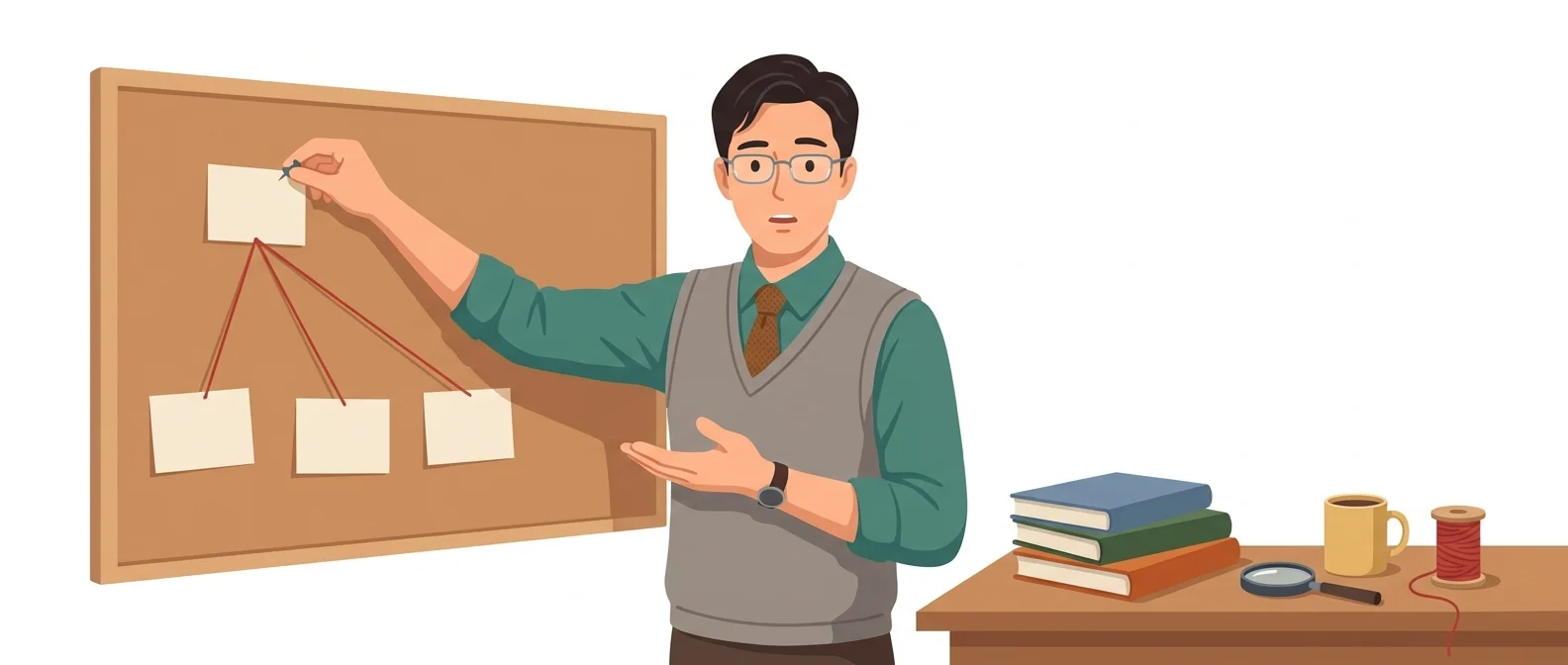
What sets it apart
These are the differences we found by running the same material through several tools in our training sessions.
Every sentence has a citation
Every answer carries inline citations, so you can see right away which source a statement came from. The official guide also states that every answer includes citations. You can answer “Where did this number come from?” on the spot, and that is what you notice most in a reporting meeting.
Search and chat on one screen
Instead of opening ten search results one by one, you ask follow-up questions on what you just read and narrow things down. Because you can pick from several models as the task calls for, you can finish research and write-up in one place. Meeting prep gets noticeably shorter.
A browser and agents come bundled
Comet, the browser built by Perplexity, reads the page you are viewing and handles tasks such as drafting email replies. Perplexity Computer works through multi-step tasks on its own and sees them through to the end. It is expanding from a search tool into a tool that does work.
⚖️ The weaknesses are clear, too
A cited source is not necessarily a trustworthy one. Blog or community posts sometimes get mixed in as evidence, and when you ask about Korean regulations, it may pull in English-language sources that don’t match local rules. Without the habit of clicking through to check the original, this is risky.
💡 In plain EnglishIt works less like a smooth-talking advisor and more like a researcher who finds supporting sources and brings them back. Without a source, it says little.
The slowest part of a report is not writing but answering “Where did this number come from?” When sources arrive attached from the start, that time shrinks dramatically.
Same job, different approach
An executive will ask you tomorrow morning, 'How is this market doing these days?'
The old way
- Type keywords into the search box and open twenty tabs
- Finds the original source among ads and blog posts
- Copy the useful sentences into your notes
- Spend your evening hunting down sources again
With Perplexity
- Ask your question in plain language
- Get a summary with footnotes and click the links to verify
- Follow up with 'Pull just the numbers into a table' to organize them
- Walk in with a one-page memo that cites its sources
Common uses
Research clients and competitors before meetings
Ask, 'Summarize Company A’s business changes over the past year and its published results, with sources.' Twenty minutes before the meeting, you’ll have talking points ready.
Policy and regulation checks
Ask about things that change, such as laws or government support programs, and check the original text through the links attached to the answer. Do not use an answer whose links you have not opened.
Gather Evidence for Reports
Have it find statistics and articles to back each claim, then carry the sources over as footnotes. Ask for a table and it is easy to paste in.
Who it’s for
Best for
- ✓Planning and sales staff who often research markets, competitors, and regulations
- ✓Anyone who must show the evidence behind a report
- ✓People who habitually keep twenty search tabs open
Better served by other tools
- –People whose work is mostly polishing long reports and refining wording
- –Anyone who needs answers drawn only from internal materials
- –People whose main goal is creating images or video
Can we use it at work?
The questions that adoption leads and security teams ask first.
Note: The official pricing page does not say whether personal plans use your data for training or where to change that setting. Before adopting it, check the original terms and account settings.
10-minute quick start
- 1
Create an account and type the questions you usually search for as full sentences.
- 2
Click the footnotes attached to an answer and jump to the original source. That habit is everything.
- 3
Then narrow it down with follow-ups such as 'Pull just the numbers from that source into a table.'
- 4
Group your frequent topics into a Space and keep asking under the same settings.
Copy-and-paste prompts
Replace only the [bracketed] parts, then paste it in.
Summarize [Company Name] using only public materials from the past year. Split it into three parts: business changes, disclosed results, and recent news coverage, and attach a source link to each item. Leave out unconfirmed rumors.
Tell me the current eligibility requirements and deadline for [name of regulation or support program]. Base your answer strictly on the official page of the administering agency, and include the link. If agencies give conflicting information, point out the difference.
Find recent statistics on [topic] and organize them in a table. Use these columns: year, figure, research organization, and source link. Mark estimates and confirmed figures separately.
Summarize three arguments for and three against [issue]. Cite the source for each argument, and don’t say which side is right.
Compare [Product A] and [Product B] by price, key features, and support in Korea. Base it on each company’s official pages, and mark any item that can’t be confirmed on an official page as 'Unable to verify'.
Using it with other tools
Linking two or three tools changes your work more than any single tool does.
From research to a first report draft
Turn research into presentation slides
Before you start
- A footnote doesn’t mean the content is correct. Click the link and read the original.
- Some sources are blogs or community posts. Check that they are official institutional materials.
- For Korean regulations and domestic statistics, it sometimes pulls in English-language sources that don’t match.
- Don’t put your company name and unannounced plans in the same question. The question itself is information.
Pricing: personal use and work use
Plans that individuals pay for are different from plans that organizations contract for by member.
For individual use
Search with cited sources. Weekly usage limits
Deep research, choice of top models, expanded Computer access
Top-tier limits, 10,000 Computer credits per month
Using it at work
Guarantee that your data is not used for training, SSO, and 500 Computer credits per seat per month
15,000 Computer credits per seat per month, premium security features
Role-based access control, SCIM, audit logs, custom data retention
Checked 21 Sep 2026 · Prices shown on Perplexity’s official pricing page (US dollars). Business prices are for annual billing. Taxes may vary by country. Prices change without notice, so check the official page before you buy. Perplexity pricing page ↗
Agentic AI — the version that does the work itself
Beyond search that just gives answers, it also offers features that work for you inside the browser and run multi-step tasks on their own.
Comet browser
A web browser built by Perplexity. It reads the page you’re viewing and handles tasks for you, such as drafting email replies and organizing your schedule.
- Download and install it from the official Comet guide page — supports Mac, Windows, iOS, and Android
- After installing, you can import bookmarks from your current browser and set it as your default browser
Perplexity Computer
Describe a multi-step job in plain words, such as research, analysis, document writing, or building an app, and it plans the steps itself and sees the job through.
- Nothing to install. Use it right in the Perplexity web app or mobile app.
Setup steps and terms follow the official documentation. Perplexity official pricing ↗ · Comet official guide ↗
Perplexity’s limitations
We don’t just list the positives. Here is what fell short when we used it.
- The free plan won’t last a week
The free plan has a weekly usage cap, so once you start serious research, you hit the limit midweek. Getting cut off in the middle of a project pushes you toward a paid plan.
- The same question can return different sources
Yesterday’s answer and today’s cite different sources, so you can lose track of the evidence you used in a report. Save the link to any useful source on the spot.
- Sharing with your team is clunky
It’s fast when you search alone, but sharing results with the team amounts to passing along links. What each person found doesn’t get pooled, so you end up rebuilding the summary in a document tool.
Tools to compare
 GeminiGoogle’s all-purpose AI→
 ClaudeThe AI everyone is talking about→
 NotebookLMA smart folder→
 Lilys AIVideo, audio, and document summaries→
FAQ
Last updated 22 Sep 2026 · The ratings on this page come from John Kim, CEO of Nanum Consulting, who has used these tools firsthand in training and real work.
Perplexity as an organizational capability
Send us a message and we’ll reply within 24 hours. We’ll propose a curriculum tailored to your industry and job roles.
Courses on this toolAI Tools in Practice (by Use Case) · B2B Marketing in the Zero-Click Era (AEO·GEO) · Building B2B Content Assets That AI Cites — A Hands-On Workshop on Getting Into AI Answers with White Papers, Comparison Tables, and Statistics