
Lyria
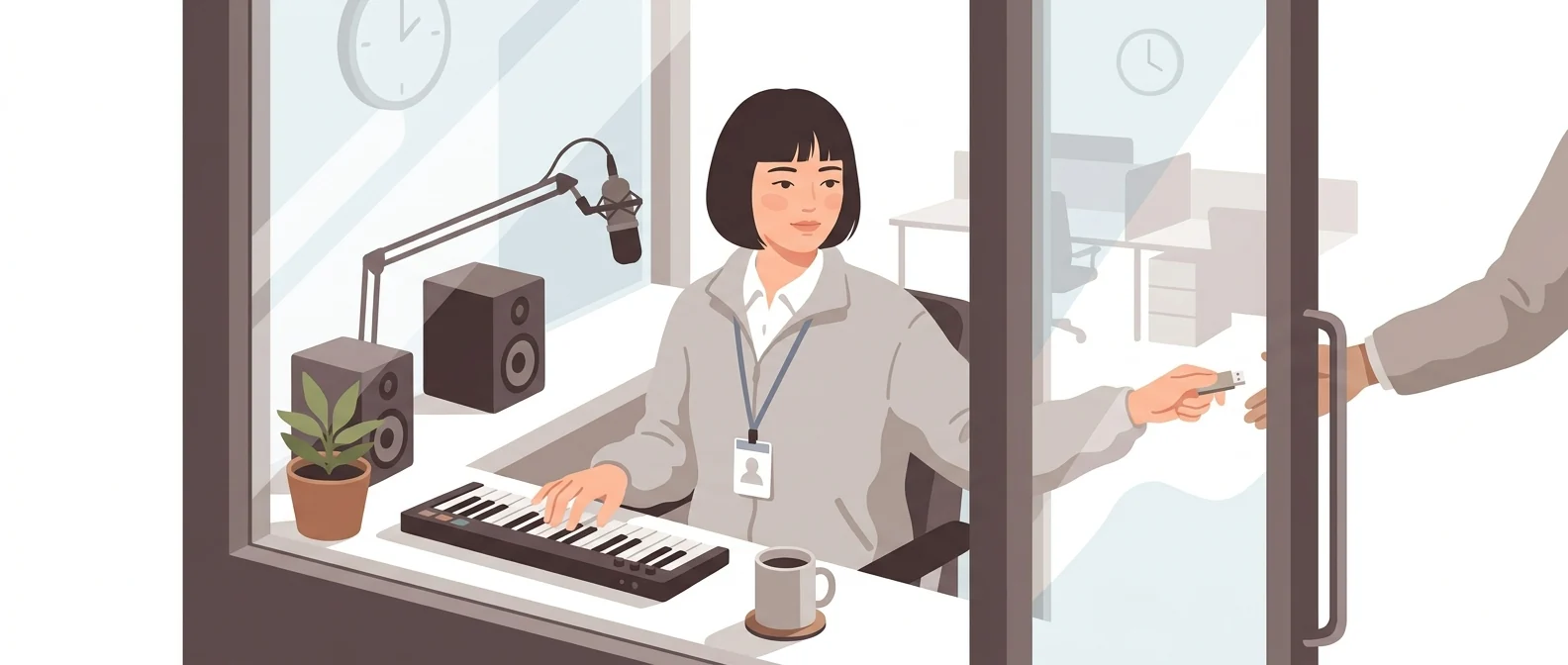
“Google DeepMind’s AI music generation model” — a composer living inside Google
What Is Lyria?
Lyria is a music generation model built by Google DeepMind. It is not a service you sign up for separately; it is built into Google products such as the Gemini app, Google Vids, and YouTube Shorts as a song-creation feature.
- 1It’s a feature inside Google products, not a separate service to sign up for
- 2Korean is among the officially supported languages
- 3Every song you make carries a SynthID watermark
What sets it apart
These are the differences we found by running the same material through several tools in our training sessions.
Nothing to sign up for
Sign in to the Gemini app with your Google account and you can create a song right there. There is no new site to sign up for and no payment method to register, so even dozens of people starting at once in a training room won’t get stuck. Available only to users 18 and older.
Korean is an officially supported language
Google’s official announcement lists English, German, Spanish, French, Hindi, Japanese, Korean, and Portuguese as supported languages. The interface is available in Korean too, so it is the easiest place to start for people who hesitate at English screens and want to try AI music for the first time.
It carries a mark showing it was made with AI
The official announcement says every track made in the Gemini app carries a SynthID watermark, so you can verify it was AI-generated. That makes it useful evidence for internal notices or training materials that must disclose AI creation.
⚖️ The weaknesses are clear, too
Music creation is spread across several Google products, so it is hard to tell where the tool actually lives, and the initial tracks in the Gemini app were 30 seconds long. We could not find explicit guidance in the official announcement on whether generated tracks can be used in company videos, and longer tracks and advanced features require a paid subscription or an enterprise product.
💡 In plain EnglishNot an outside composer you have to bring in, but a colleague who was already sitting in your office. The music is made right inside the Google screens you already use.
The most common failure in AI training is losing half the group at sign-up for a new service. Because a single Google account is enough to get all the way to making a song, Lyria creates the least friction when you first introduce AI music to your organization.
Same job, different approach
Two hours into AI training, half the class gets stuck signing up for the music exercise
The old way
- Write the new music service’s address on the whiteboard
- A dozen or so people get stuck at sign-up email verification
- Someone reports that they have no free credits
- Half the hands-on time goes to account problems
With Lyria
- Opens the Gemini app you’re already logged in to
- Describe the mood in Korean and create a 30-second track
- Upload a photo and create a song that fits it
- Spending the entire exercise talking about music
Common uses
AI Training Music Exercise
With no sign-up process, everyone creates tracks on the same screen. You can spend all your time on hands-on practice, comparing results and adjusting prompts.
Background music for short internal videos
Create music for your video on the spot inside Google Vids. It’s convenient because you don’t have to move files out of the app.
A track that starts from a single photo
Upload event photos or on-site video and create music to match. It’s a shortcut when the mood is hard to put into words.
Who it’s for
Best for
- ✓Training managers who need to roll out AI for the first time using Google accounts
- ✓Anyone who has put off AI music because an English interface felt daunting
- ✓People who make short videos with Google Vids or YouTube Shorts
Better served by other tools
- –Anyone who needs the finished song as a file for external distribution
- –Anyone who needs commercial-use terms spelled out in writing
- –Anyone who wants to rewrite a song bar by bar
Can we use it at work?
The questions that adoption leads and security teams ask first.
Please note: The official announcement does not state who owns songs made in the Gemini app or how far commercial use is allowed, so we could not confirm either. Before distributing a song outside your company, check the Gemini app terms and your Google Workspace admin policies.
10-minute quick start
- 1
Sign in to the Gemini app with your Google account. First check whether it is a company account or a personal one.
- 2
Describe the mood and genre you want in Korean and create a song.
- 3
Upload a photo or short video and compare tracks created to match it.
- 4
For video work, continue in a product that lets you add the track directly, such as Google Vids.
Copy-and-paste prompts
Replace only the [bracketed] parts, then paste it in.
Create a track for the opening of the [company name] anniversary event video. Bright and grand mood, fast tempo, Korean lyrics. Start quietly and open up bigger toward the end.
Create background music for an internal training video. No vocals, gentle acoustic, slow tempo. Keep the arrangement steady, without big changes in volume, so it doesn’t drown out the instructor’s voice.
[Attach event photo] Create music that fits the mood of this photo. Choose the tempo and instruments to match the time of day and the expressions of the people in it.
Create background music for a [product name] intro video. Clean electronic sound, no vocals, medium tempo. Use a steady beat that matches the rhythm of the changing explanatory captions.
Create intro music for our internal podcast, [program name]. Short and upbeat, no vocals. Have it end quietly so the host’s voice can come in right away.
Using it with other tools
Linking two or three tools changes your work more than any single tool does.
Short internal video (1 hour)
AI music training exercise (40 minutes)
Before you start
- If company materials will be involved, sign in with your organization account, not a personal Gmail account.
- Available only to users 18 and older. If your audience is teenagers, you’ll need a different exercise format.
- Commercial-use terms are not stated in the official announcement. Don’t use it for videos distributed outside the company until you have confirmed them.
- Don’t include instructions to imitate a specific singer or a real song. The official guidance draws an explicit line here.
Pricing: personal use and work use
Plans that individuals pay for are different from plans that organizations contract for by member.
For individual use
Per the official announcement, Google AI Plus, Pro, and Ultra subscribers get larger limits. Users must be 18 or older.
Check subscription prices directly on the Google AI plans page.
Using it at work
No free tier. For developers and companies building it into their own tools
No free tier. For generating short clips
Checked 21 Sep 2026 · Lyria is a feature inside Google products, not a standalone subscription. The per-song developer price is the figure from the official Gemini API pricing documentation. The Google AI subscription price could not be read by machine because the official page renders amounts with a script. Prices change without notice — check the official pages before you pay. Official Gemini API pricing ↗ · Google AI plans ↗ · Google DeepMind Lyria overview ↗
Where Lyria falls short
We don’t just list the positives. Here is what fell short when we used it.
- Tracks you made are hard to find again
Because songs are created inside the chat, a few days later you end up scrolling back to find which conversation holds which song. There is no single place to keep all your songs together.
- You can’t tell how much of your limit is left
Usage limits vary by subscription tier, but that is all the guidance says, so it is hard to estimate in advance how many more songs you can make today. This matters even more when several people are working through the exercise together.
- You can’t recover a song you liked
Even with the same wording, a new request tends to return a different song from the one you got before. If you don’t save a track you like on the spot, it is hard to recreate it exactly.
Tools to compare
 Suno AIWorld’s No. 1 AI music generator→
 SoundfulBuilt for background music→
 GeminiGoogle’s all-purpose AI→
FAQ
Last updated 22 Sep 2026 · The ratings on this page come from John Kim, CEO of Nanum Consulting, who has used these tools firsthand in training and real work.
Make Lyria Part of Your Team’s Skills
Send us a message and we’ll reply within 24 hours. We’ll propose a curriculum tailored to your industry and job roles.
Courses that teach this toolAI Tools Training (by Use Case)