
AIVA
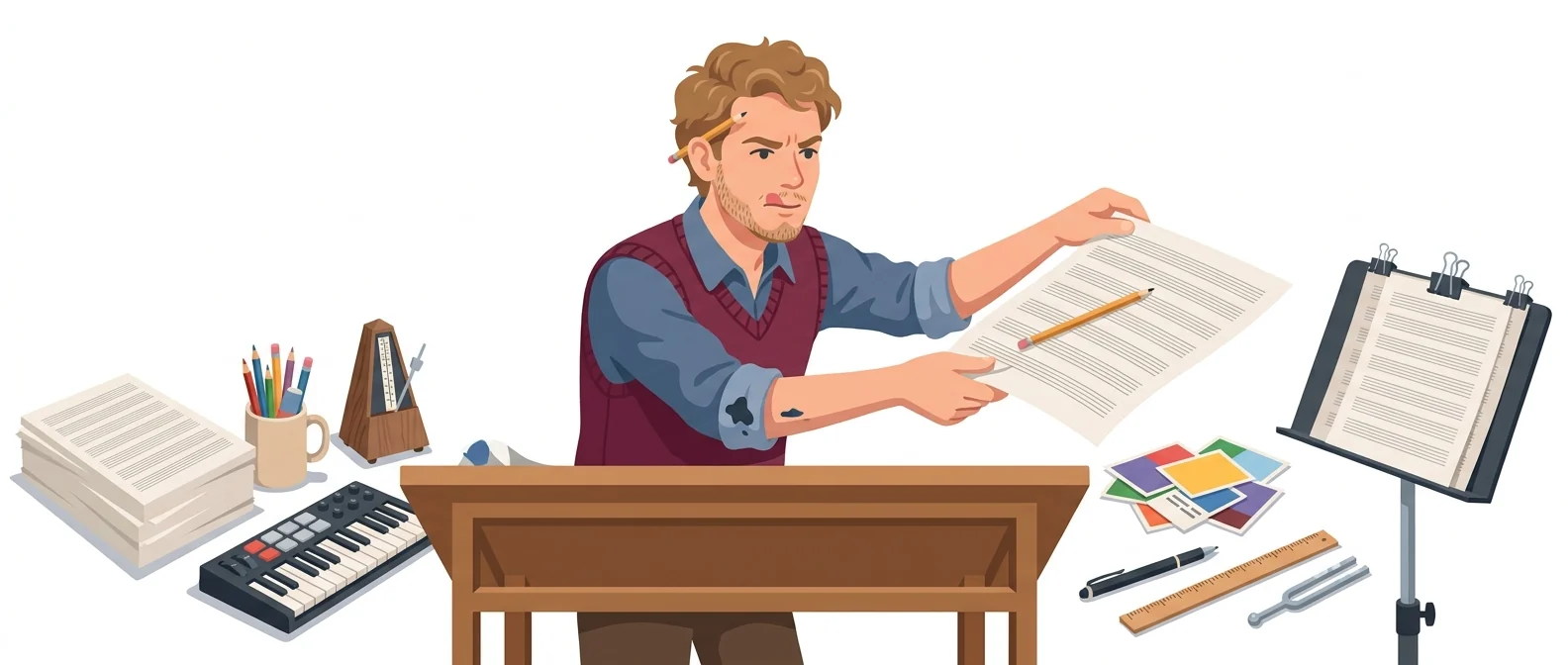
“MIDI editor, specialized in AI composition” — a composing assistant that hands you the score
What is AIVA?
AIVA is an AI composition tool that creates tracks in 250+ styles and exports MIDI you can edit yourself. It suits staff with some music know-how who want to arrange tracks their own way.
- 1Pick a track from 250+ styles
- 2Export as MIDI and edit bar by bar
- 3You own the copyright only on higher-tier plans
What sets it apart
These are the differences we found by running the same material through several tools in our training sessions.
Get results as a score
The official introduction says you can download MP3, MIDI and WAV files and edit the generated tracks. That means you get editable material rather than a finished track, so you can fine-tune it, for example by removing a specific instrument or fitting the length to the bar.
Train it on your own style
The official overview describes uploading audio or MIDI files as influence, then saving your own style model based on them. Set the sound of your company video series once, and every later episode can come out in the same style.
Rights terms are spelled out on the pricing page
The official pricing page states, tier by tier, that AIVA holds the copyright on Free and Standard, while on Pro the copyright belongs to you. You can check how far you may use a track in a table before paying, which makes it handy for internal approval.
⚖️ The weaknesses are clear, too
Per the official pricing table, the free tier cannot be monetized, and Standard can be monetized only on YouTube, Twitch, TikTok and Instagram, with AIVA holding the copyright. Download counts are also capped by tier, and if you can’t work with MIDI, most of the advantages disappear, so the learning curve is steep for beginners.
💡 In plain EnglishInstead of handing you a finished track, it hands over the full score and parts, like a composing assistant. If you can edit, you’ll get much further.
Every episode of an internal video series differs in length and pacing. If you keep the music in an editable form, you can rebuild the same track as a 30-second or 3-minute version, so the music is less likely to hold up editing.
Same job, different approach
Your video runs 2:40, but the music ends at 3:15
The old way
- Chop off the end of the track and leave an awkward cut
- Or stretch unneeded footage at the end of the video to match the track length
- Find a different track and choose again from scratch
- End up papering over it with a rough fade-out
Using AIVA
- Download the same track as MIDI and open it in an editing tool
- Trim repeated bars to fit 2 minutes 40 seconds
- Adjust the final chord to match the closing scene of the video
- The track actually ends in time with your video
Common uses
Fit a track to your video length
Export a finished track as MIDI and rebuild it as 30-second, 60-second, and 3-minute versions. The melody stays the same, so the whole series feels unified.
Create a company signature tune
Set a style model and keep generating tracks for events, training and promotions in the same sound. No need to start from scratch every year.
Fine-tune music for presentations and exhibits
Remove specific instruments or lower their volume so the music doesn’t clash with the speaker’s voice. Tools that only deliver a finished audio file can’t do this.
Who it’s for
Best for
- ✓Video or music staff who can work with scores or MIDI
- ✓Teams that want one consistent sound across several videos
- ✓Anyone who needs to hold the copyright to their tracks in their own name
Better served by other tools
- –Anyone who needs songs with lyrics and vocals
- –Beginners who want a finished track in one go, with no setup
- –Anyone who wants to monetize within the free tier
Can we use it at work?
The questions that adoption leads and security teams ask first.
Please note: the official pricing page shows only annual-billing prices, so we could not confirm monthly prices or team and enterprise terms. Copyright and monetization scope by tier should be rechecked against the original terms before you pay.
10-minute quick start
- 1
Sign up at aiva.ai. The free tier lets you download up to 3 tracks per month to try it out.
- 2
Pick a style, set the track length and mood, and generate a few tracks.
- 3
Download a track you like as MIDI, then adjust its length and instruments in an editing tool.
- 4
For videos going outside your company, check the pricing table to confirm the tier gives you the copyright, then download.
Copy-and-paste prompts
Replace only the [bracketed] parts, then paste it in.
Style [Cinematic / Ambient] · Mood: calm and warm · Tempo 80 BPM · Key C major · Length 3 minutes · Structure: repeat the same theme twice, then a slight variation the third time. A base theme for the whole [course name] series.
Style [Modern Cinematic] · Mood: starts quiet, then opens up big · Tempo 120 BPM · Length 60 seconds · Structure: 0–15 s solo piano, 15–40 s strings join, climax with drums after 40 s. End with a clean, abrupt stop.
Style [Ambient / Minimal] · Mood: stays in the background without standing out · Tempo 70 BPM · Length 4 minutes · Structure: minimal melodic change, no mid-range instruments. A track to play under the explanation of [presentation topic].
Style [Corporate / Uplifting] · Mood: bright and concise · Tempo 110 BPM · Length 12 seconds · Structure: a single memorable three-note motif only. Use as the opening signal for the [internal broadcast name] segment.
Upload influence file: [our company’s existing signature track or MIDI] · Keep this sound, but create a new track at [90] BPM and [2 minutes] long. Use an instrumentation similar to the original.
Using it with other tools
Linking two or three tools changes your work more than any single tool does.
Unifying music across a video series (half a day)
Adding music to a presentation (2 hours)
Before you start
- AIVA holds the copyright on tracks made on the free and Standard tiers. Check your tier before distributing externally.
- Per the official pricing table, Standard monetization is limited to YouTube, Twitch, TikTok and Instagram. Check the terms before using tracks on any other channel.
- Each tier has a monthly download limit. In busy deadline months, plan your downloads ahead.
- Do not upload tracks with unclear rights as influence files. The output can end up with the same problem.
Pricing
For individual use
3 downloads per month. AIVA holds the copyright; no monetization
15 downloads per month. Limited monetization on YouTube, Twitch, TikTok and Instagram only; AIVA holds the copyright
300 downloads per month. Full monetization; you own the copyright
Checked 21 Sep 2026 · Euro prices shown on the official pricing page. The prices shown are for annual billing; monthly prices were not listed. Prices can change without notice — check the official page before you pay. AIVA official pricing ↗
Where AIVA falls short
We don’t just list the positives. Here is what fell short when we used it.
- The interface is English only
Menus and settings are in English only, so first-time users can spend a while figuring out where to click. Korean guides and hands-on materials are also scarce, so learning it alone takes some time.
- The second half of the track drags
The opening sounds convincing, but the longer the track runs, the more it feels like the same flow repeating. To fit your video length, you need one more round of cutting and pasting in an editing tool.
- Only annual billing is shown
The official pricing page leads with the annual-billing price, so if you only want to try it for one month, it is hard to tell what will be charged each month.
Tools to compare


FAQ
Last updated 22 Sep 2026 · The ratings on this page come from John Kim, CEO of Nanum Consulting, who has used these tools firsthand in training and real work.
AIVA for your organization
Send us a message and we’ll reply within 24 hours. We’ll propose a curriculum tailored to your industry and job roles.
Courses covering this fieldAI Tool Training (by Use Case)