Microlearning Content Creation
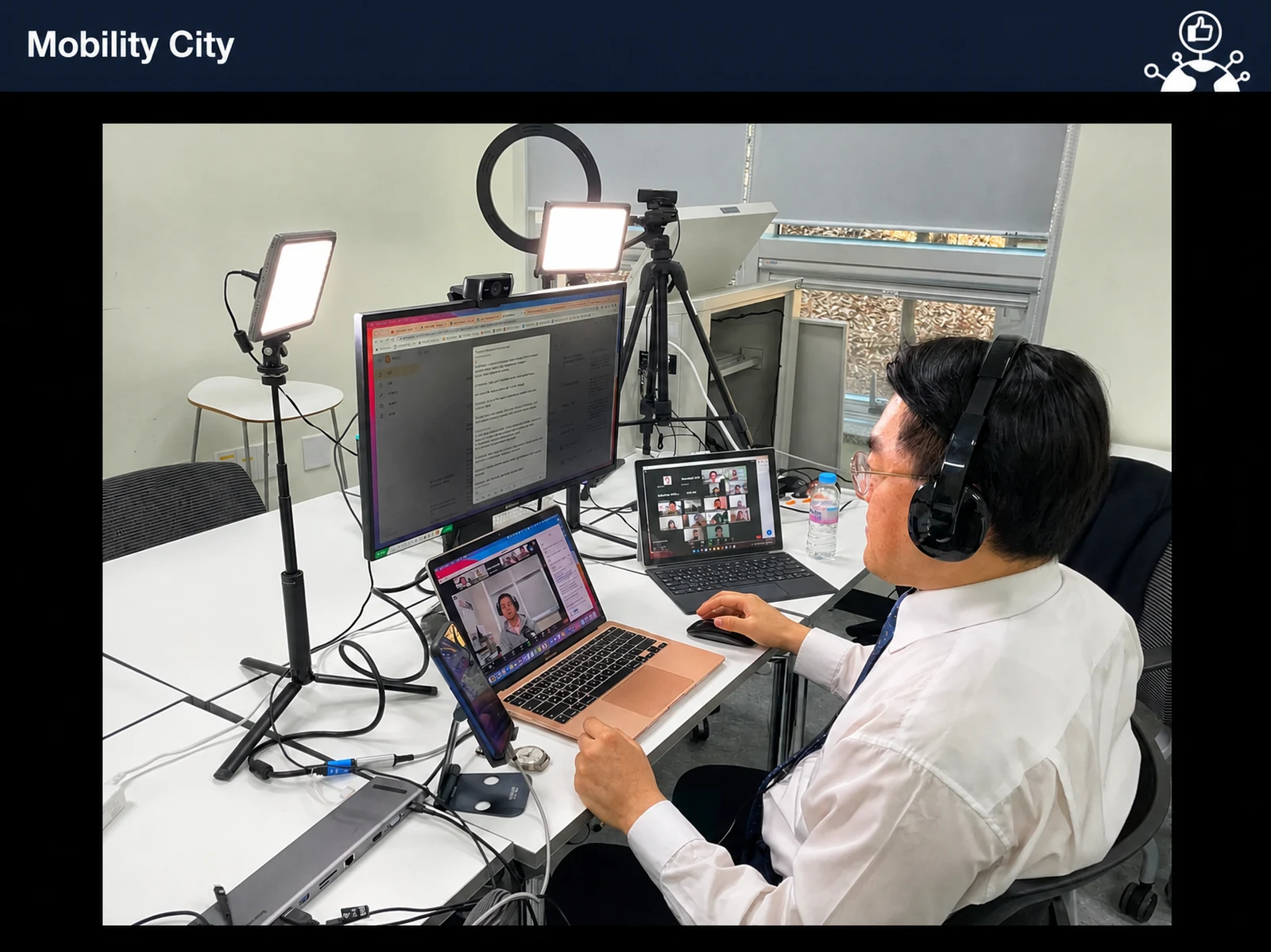
The Microlearning Content Production course is a hands-on corporate training program. In 4 intensive hours, you build the skills to develop effective microlearning content. Led by John Kim, CEO of Nanum Consulting, you move step by step from the core principles of microlearning to practical production techniques, so you can design and produce content that holds learners’ attention and improves learning results. The two-module curriculum balances theory with practical skills, preparing you for an essential role in the digital age: developing efficient training content. The curriculum draws on Nanum Consulting’s experience training at 50+ major corporations and institutions.
Who is this course for?
Designed for in-house training managers, HRD practitioners, and learning designers who want to produce effective learning content themselves. It is especially suited to those who want to maximize learning impact with short, high-impact training content.
What will you learn?
- Master microlearning content production techniques
Curriculum
- Video Software: Types and Usage Compared
- How to Shoot with a Smartphone
- How to Set Up Lighting
- Setting Up a Microphone for Training Content
- Turn PowerPoint into Video
- Turn Photos into Video
- How to split the video screen
- YouTube channel planning: viewers, content, engagement, and promotion
- Google Account vs. YouTube Account: What’s the Difference?
- YouTube Basics and Menu Overview
- Hands-On: Creating a YouTube Channel
- Uploading Videos and Creating Thumbnails, Tags, and Descriptions
- Setting Up Admins with “Permissions”
- Using Creator Studio (Dashboard, Analytics)
Expected results / After the course
- Apply it at work as quickly as possible
On-site training references
About the instructor

Related courses
We tailor this course to your company
From diagnosis to execution — Nanum Consulting
FAQ

Microlearning Content Creation
The Microlearning Content Production course is a hands-on corporate training program. In 4 intensive hours, you learn to develop effective microlearning content. Nanum Consulting
- Master microlearning content production techniques
- Apply it at work as quickly as possible
- Video Software: Types and Usage Compared
- How to Shoot with a Smartphone
- How to Set Up Lighting
- Setting Up a Microphone for Training Content
- Turn PowerPoint into Video
- Turn Photos into Video
- How to split the video screen
- YouTube channel planning: viewers, content, engagement, and promotion
- Google Account vs. YouTube Account: What’s the Difference?
- YouTube Basics and Menu Overview
- Hands-On: Creating a YouTube Channel
- Uploading Videos and Creating Thumbnails, Tags, and Descriptions
- Setting Up Admins with “Permissions”
- Using Creator Studio (Dashboard, Analytics)