
A.X
“A Korean large-scale model, released in full” — a generous engineer who hands over the blueprints, too
What is A.X?
A.X is a generative AI model developed in-house by SK Telecom. Several models, including A.X K2 with 688 billion parameters, are published on Hugging Face for anyone to download.
- 1A Korean model built in-house by SK Telecom
- 2Even the largest model is available on Hugging Face
- 3Most are released under the Apache 2.0 license
What sets it apart
These are the differences we found by running the same material through several tools in our training sessions.
Even the largest model is open
A.X K2, the second-round result of the government’s sovereign foundation model program, has 688 billion parameters and is published on Hugging Face as open weights. This isn’t a case of releasing the small models while holding back the large one, which matters a lot to practitioners. The previous generation, A.X K1, remains in the same place.
The license is fairly simple
A.X K2, A.X 4.0 Light, and the A.X 3.1 family are published under the Apache 2.0 license, so there are few terms to interpret separately. However, the same account also holds models with different conditions, so double-check the license notice for the model you choose.
Models in many sizes, for many uses
A.X 4.0 at 72B, the 7B Light model, a vision-language model that reads images, speech models, and quantized versions all sit in one account. Within the same model family, you can test performance on the large model and cost on the small one.
⚖️ The weaknesses are clear, too
This is not a chat service you sign up for and use right away. You need hardware to run the model files and people to operate it, and the largest model is too big for typical in-house hardware. Its name is also close to the A.dot app, a telecom service, which causes confusion.
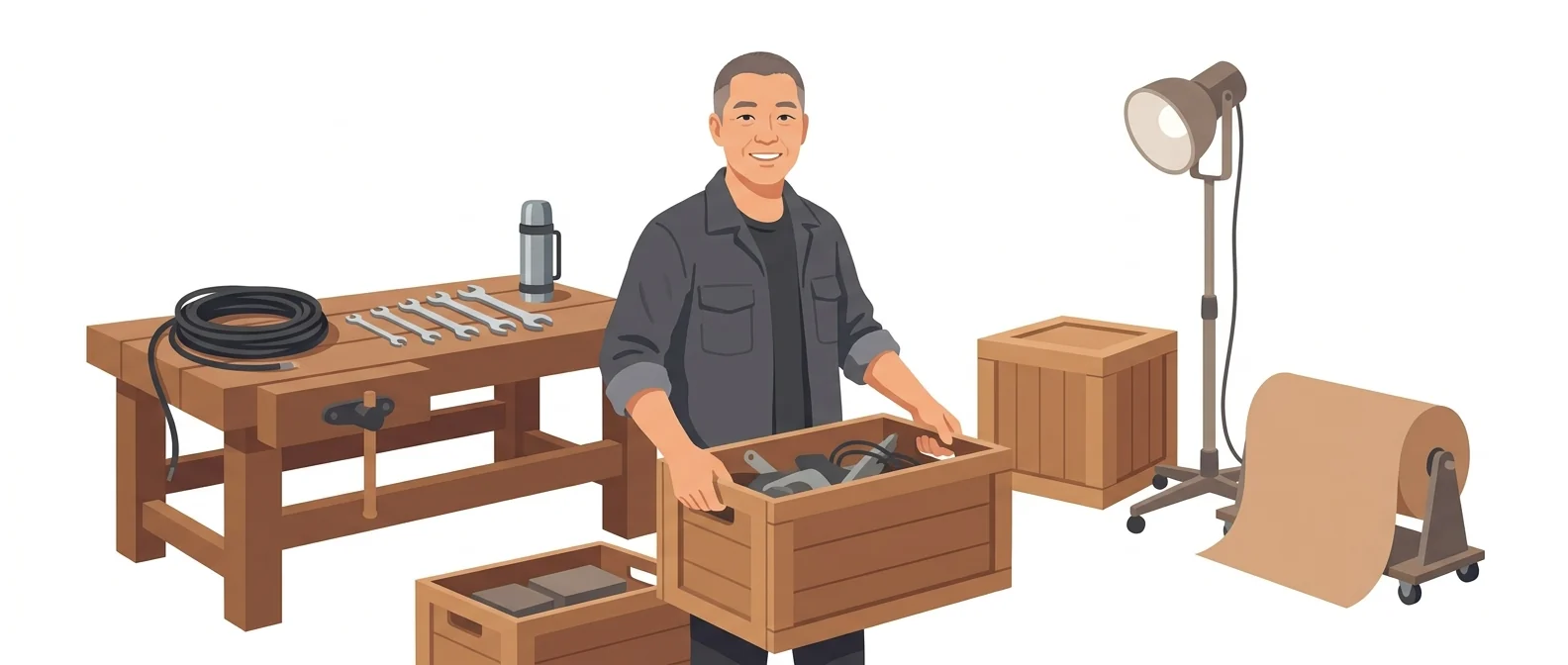
💡 In plain EnglishIt is like a factory that has published its entire blueprint and parts list. You are free to take them, but you have to provide your own place to assemble them.
This is a real option for Korean companies that don’t want to depend only on overseas models. You can measure performance on your own documents without sending data outside, so the adoption meeting moves from guesswork to measured results.
Same job, different approach
AI review is stalled because site equipment data cannot leave the premises
The old way
- Data export rules prevent you from running a test at all
- Every performance claim comes from someone else’s slides
- Only overseas services make the shortlist, so the review drags on
- Meetings end without a conclusion
With A.dot X
- Download the model files and deploy them on in-house hardware
- Feed in your real work materials and judge the results yourself
- Start with a small model to get a sense of the cost
- Check the license notice and attach it to the approval documents
Common uses
In-house Q&A
Load your policies and manuals and let it answer employee questions. You can first build a setup where your data never leaves the company.
Call and meeting notes test
Transcribe a recording, then ask for a summary and action items. This model line was refined on telecom work, so it is a good one to compare on this kind of task.
Compare Korean and global models side by side
Enter the same sentence into several models and record the results in a table. Your meetings will then run on records, not impressions.
Who it’s for
Best for
- ✓Manufacturing and public-sector organizations that can’t send data outside
- ✓Companies with staff who can deploy a model on in-house hardware
- ✓Technical teams that want hands-on access to a large model
Better served by other tools
- –Anyone who wants to sign up today and open a chat window
- –Anyone who only wants to test, with no hardware
- –Anyone who needs to compare pricing tables and get approval
Can we use it at work?
The questions that adoption leads and security teams ask first.
Note: We could not confirm an official pricing plan or terms for companies to buy and use the models. Some derivative models in the same account carry research-only conditions, so check the notice for each model you plan to use.
10-minute quick start
- 1
Read the A.X K2 release announcement in the SK Telecom Newsroom to see which models are currently public.
- 2
From the skt account on Hugging Face, pick a model small enough for our own hardware.
- 3
Read the license notice on that model’s page first, and confirm that your intended use is permitted.
- 4
Ask the same questions of a sample of in-house documents with personal data removed, and record the results in a table.
Copy-and-paste prompts
Replace only the [bracketed] parts, then paste it in.
Below is a transcript of a customer call. Sort it into the customer’s requests, the commitments made, and the next steps. Do not make up anything that is not in the transcript.

[Paste call transcript]
Below is part of our equipment [work manual]. Write ten questions that field workers would actually ask, and answers based on sentences in the manual. If the manual doesn’t cover it, answer only “Not in the manual.”

[Paste manual]
From the document below, extract only [contract term], [amount], [payment terms], and [termination clause] into a table. Leave any item that is not in the document blank. Do not guess.

[Paste document]
Polish the sentences below into an [internal announcement] tone. Use polite language and keep each sentence under 40 characters. Do not invent any dates or commitments that are not in the original.

[Paste sentences]
I want to compare several Korean-built models under the same conditions. Write three test sentences for each of four tasks: [summarization], [building tables], [finding regulations], and [Korean-style expressions]. Add a one-line scoring criterion to each.
Using it with other tools
Linking two or three tools changes your work more than any single tool does.
Call summary → sales log
Korean model benchmarks → adoption report
Before you start
- The telecom app 'A.' and the model 'A.X' are different products. Use the two names distinctly in your documents.
- The largest model does not run on ordinary office hardware. When planning a trial, check your hardware first.
- Models with different terms sit side by side in the same account. Don’t treat the whole account as one license.
- Do not enter real customer information during testing. Start with samples in which names and numbers have been changed.
Pricing
Model weights are published on Hugging Face, so downloading them costs nothing. However, the cost of the hardware or cloud needed to run the model falls on the user. Many models are released under Apache 2.0, but the account also contains models with other terms, so you need to check the license notice of the model you choose.
Please check this tool’s pricing directly on the official page. We do not list amounts we have not verified.
Where A.X falls short
We don’t just list the positives. Here is what fell short when we used it.
- The name is easily confused with the app
The telecom app A.dot and the A.dot X model share the same root name, so whenever a question comes up in class you have to explain the difference. Writing it into course materials takes extra effort, too.
- The largest model is view-only
It’s good that even the largest model is open, but few companies have hardware that can run it. You end up downloading it and never opening it.
- No easy place to try it right away
There is no public chat window that opens with a single sign-up, so you can’t just type in a sentence when you’re curious. Every evaluation requires lining up people and hardware, which makes the first step a heavy one.
Tools to compare
 EXAONEA Korean model you can download and run→
 Mi:eumA small model that knows Korea→
 HyperCLOVA XBuilt into Naver’s services→
 A.Automatically records calls and meetings→
 Upstage SolarA Korean engine that reads company documents→🤖Samsung GaussFamous name, but not usable outside→
FAQ
Last updated 22 Sep 2026 · The ratings on this page come from John Kim, CEO of Nanum Consulting, who has used these tools firsthand in training and real work.
A.X, built on your own organization’s capabilities
Send us a message and we’ll reply within 24 hours. We’ll propose a curriculum tailored to your industry and job roles.