Build a Real-World Business Website with Claude Code
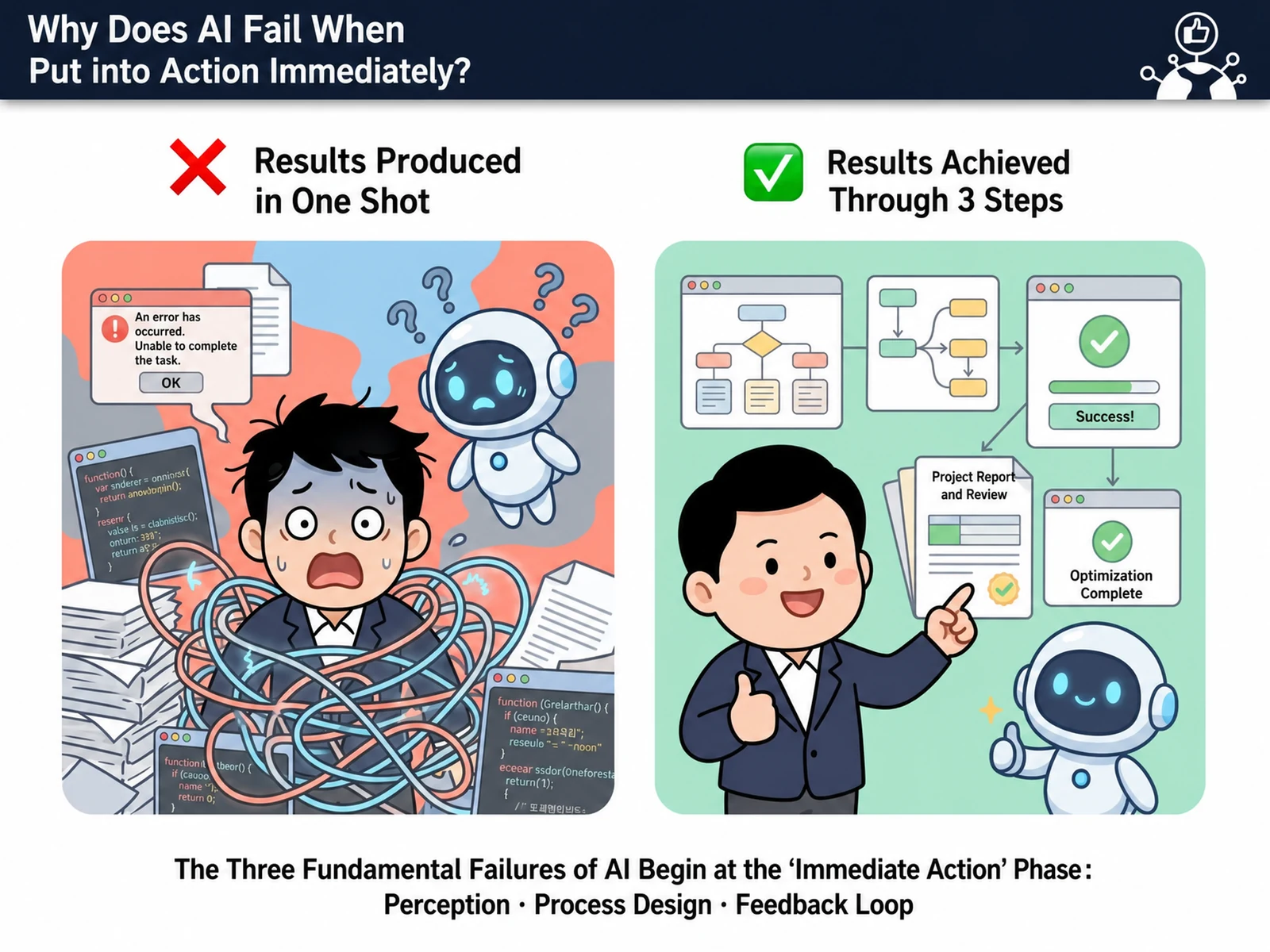
A corporate training course where you use Claude Code to build a website you can apply at work right away, with no coding knowledge required. Over 4 hours, you practice the full process from website design to API integration and deployment, maximizing your work efficiency. You gain the core skills the digital transformation era demands through AI-powered web development. The curriculum is proven by Nanum Consulting’s training experience with 50+ major corporations and institutions.
💻 Start learning this topic with an online course →Who is this course for?
It suits planners, marketers, and small business owners with no coding experience, as well as developers who want to work more efficiently on web development. It is especially recommended for startup teams that need to build prototypes quickly and for non-developers interested in using AI tools.
What will you learn?
- Build and deploy a real business website using Claude Code
Curriculum
- Learn the Claude Code interface, how to create a project, and how to use the editor
- How to quickly pick up basic HTML and CSS syntax through conversational learning with Claude
- Minimize repetitive work with Claude Code’s automatic code generation and live preview
- Step-by-step guide to version control with GitHub and preparing for deployment
- Prompt engineering techniques for getting an accurate website structure from Claude
- Learn the practical process of fixing errors with Claude Code’s debugging tools
- Business requirements analysis techniques – defining and structuring website features that fit your work goals
- Building responsive design (mobile, tablet, desktop) at the same time, together with Claude Code
- Quickly building essential business UI components such as forms, galleries, and navigation
- Design page layouts around the user experience (UX) and let Claude build them automatically
- Experience Claude Code automatically applying CSS frameworks such as Tailwind
- An agile approach: improve the prototype by applying client feedback immediately through real-time collaboration
- Learn JavaScript basics with Claude Code and auto-generate interactive features
- Auto-generating REST API call code and connecting external data (weather, news, etc.) in real time
- Understand database concepts and integrate backend services like Firebase/Supabase with Claude
- Hands-on practice automating form validation, user authentication, and data saving with Claude Code
- Efficiently build user feedback elements such as loading animations and notification pop-ups
- How to strengthen error handling and exception management code with Claude’s suggestions
- Hands-on deployment of Claude Code projects to cloud platforms such as Vercel and Netlify
- Finish your website professionally by connecting a custom domain and setting up HTTPS
- Post-deployment performance check: verifying load speed, SEO, and mobile optimization
- Connect Google Analytics and monitoring tools with Claude to automate website analysis
- Maintenance and update process – how to make quick improvements with Claude Code
- The full workflow: share the finished website with your team, gather feedback, and turn it into a real project
Tools used in this course
Expected results / After the course
- Build and deploy a finished website within 4 hours and put it to work right away
About the instructor

Related courses
Start with an Online Course
Before you book on-site training, preview the essentials of this topic in an online course.
An introductory hands-on course for building work tools that run on plain conversational instructions.
Use AI in your daily work, from lesson prep to content creation.
We tailor this course to your company
From diagnosis to execution — Nanum Consulting
FAQ

Build a Real-World Business Website with Claude Code
A corporate training course where you use Claude Code to build a website you can apply at work right away, with no coding knowledge required. Over 4 hours, from website design to API integration,
- Build and deploy a real business website using Claude Code
- Build and deploy a finished website within 4 hours and put it to work right away
- Learn the Claude Code interface, how to create a project, and how to use the editor
- How to quickly pick up basic HTML and CSS syntax through conversational learning with Claude
- Minimize repetitive work with Claude Code’s automatic code generation and live preview
- Step-by-step guide to version control with GitHub and preparing for deployment
- Prompt engineering techniques for getting an accurate website structure from Claude
- Learn the practical process of fixing errors with Claude Code’s debugging tools
- Business requirements analysis techniques – defining and structuring website features that fit your work goals
- Building responsive design (mobile, tablet, desktop) at the same time, together with Claude Code
- Quickly building essential business UI components such as forms, galleries, and navigation
- Design page layouts around the user experience (UX) and let Claude build them automatically
- Experience Claude Code automatically applying CSS frameworks such as Tailwind
- An agile approach: improve the prototype by applying client feedback immediately through real-time collaboration
- Learn JavaScript basics with Claude Code and auto-generate interactive features
- Auto-generating REST API call code and connecting external data (weather, news, etc.) in real time
- Understand database concepts and integrate backend services like Firebase/Supabase with Claude
- Hands-on practice automating form validation, user authentication, and data saving with Claude Code
- Efficiently build user feedback elements such as loading animations and notification pop-ups
- How to strengthen error handling and exception management code with Claude’s suggestions
- Hands-on deployment of Claude Code projects to cloud platforms such as Vercel and Netlify
- Finish your website professionally by connecting a custom domain and setting up HTTPS
- Post-deployment performance check: verifying load speed, SEO, and mobile optimization
- Connect Google Analytics and monitoring tools with Claude to automate website analysis
- Maintenance and update process – how to make quick improvements with Claude Code
- The full workflow: share the finished website with your team, gather feedback, and turn it into a real project